Pinch to zoom for details.
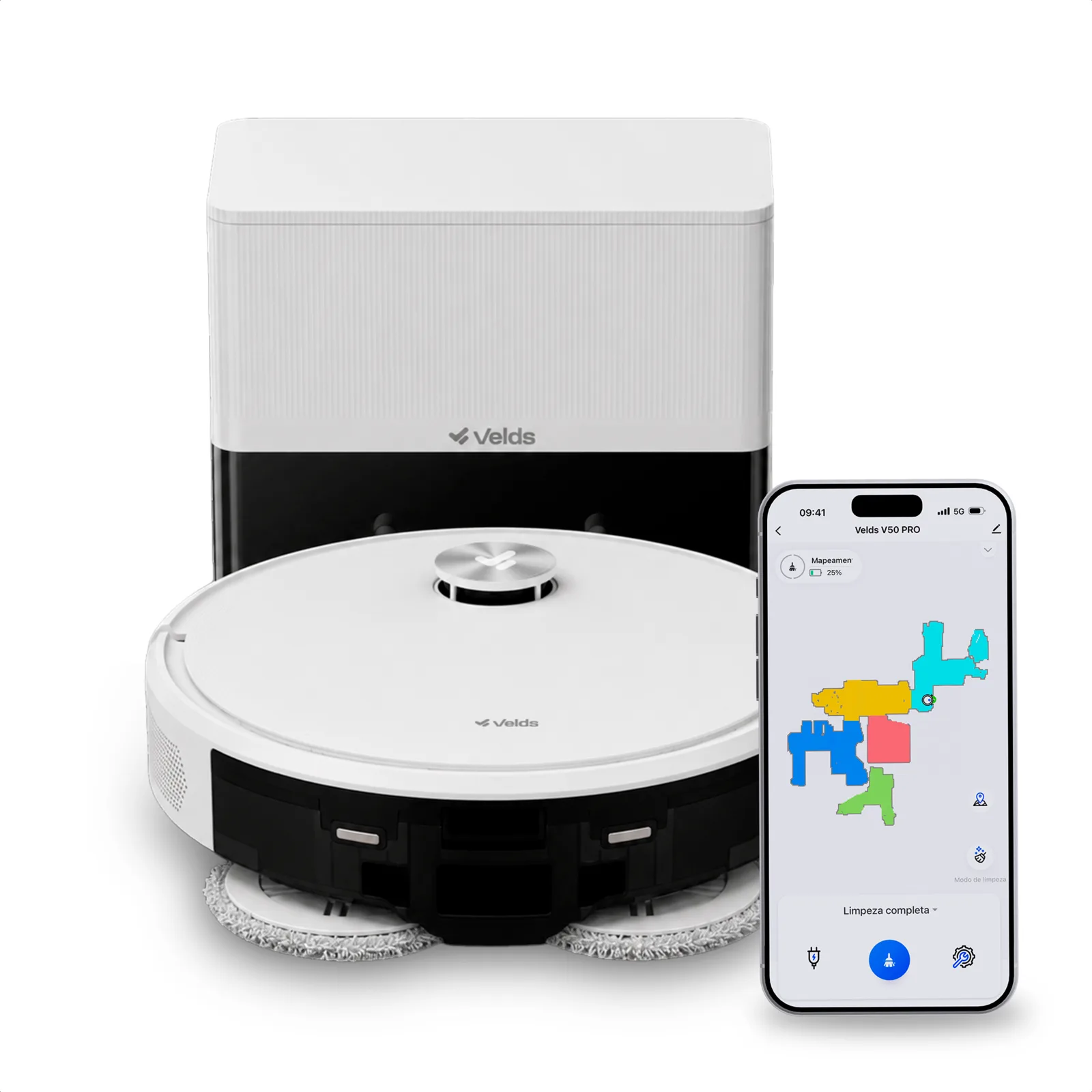
Everything you need to get started.
Simple, fast setup.
Smart cleaning, more time for you.
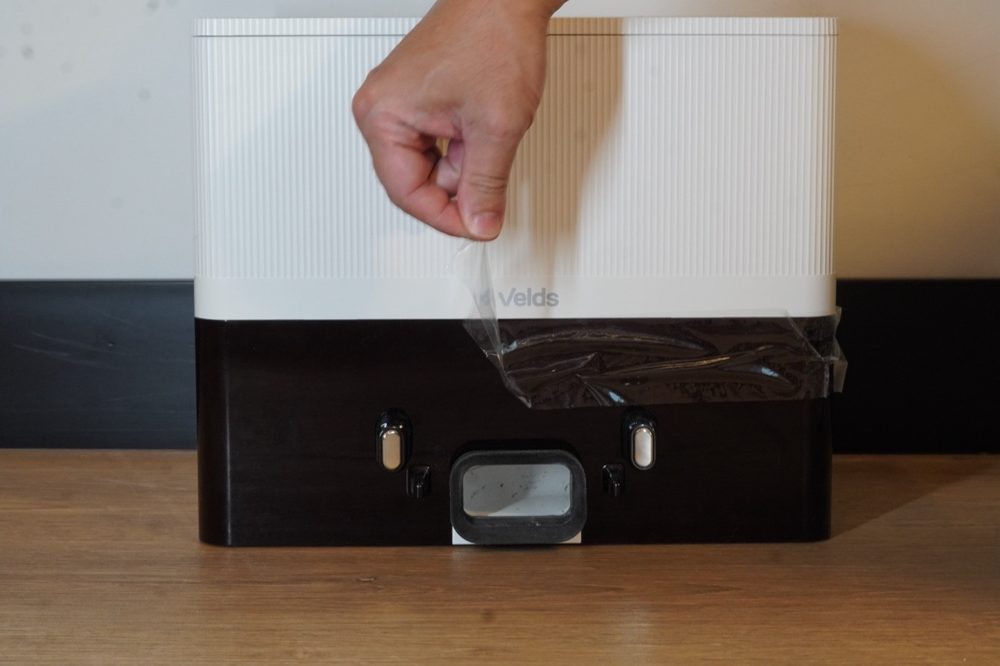
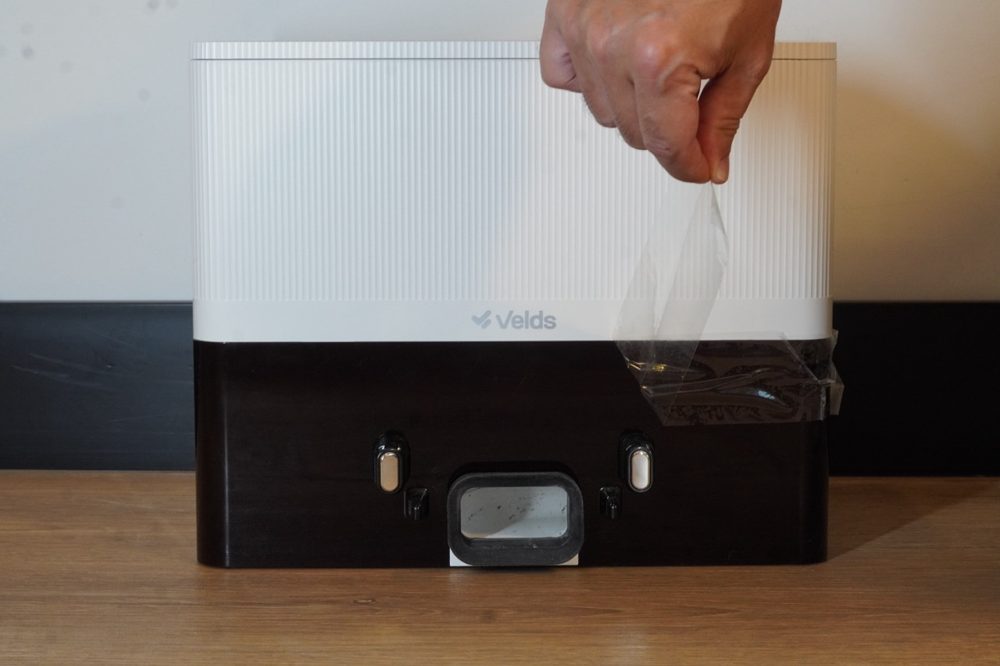
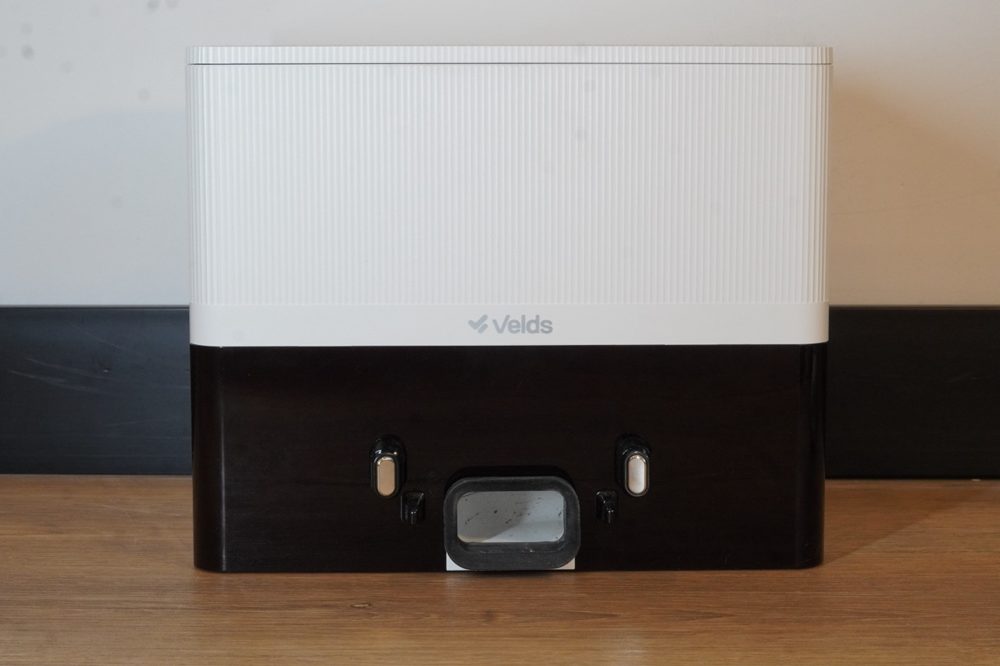
Before starting, remove all items from the box and check that the contents are complete.
If any item is missing or damaged, do not use the product and contact Velds support.
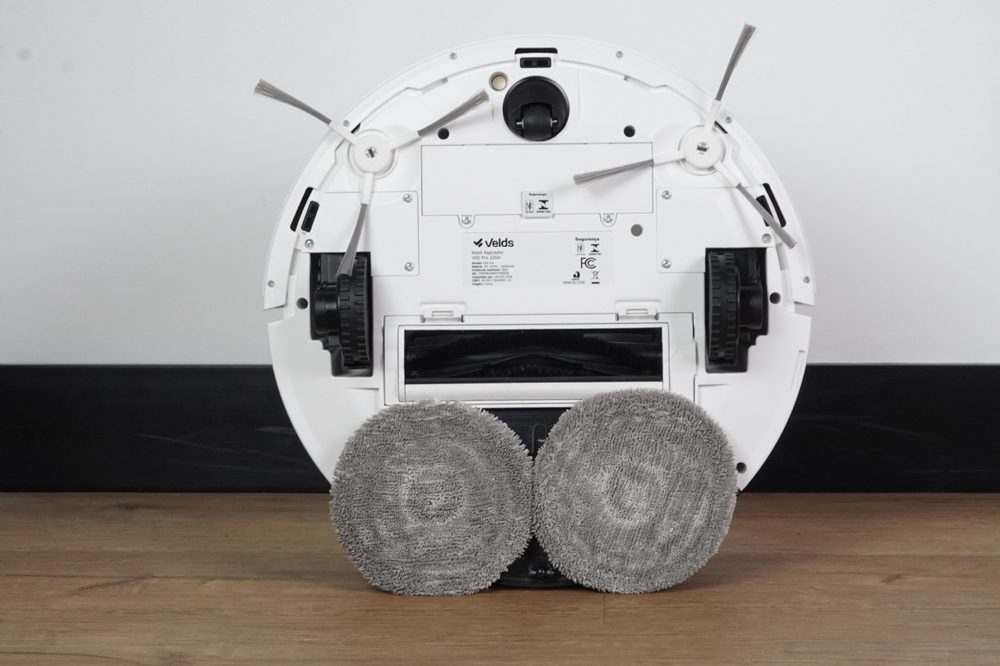
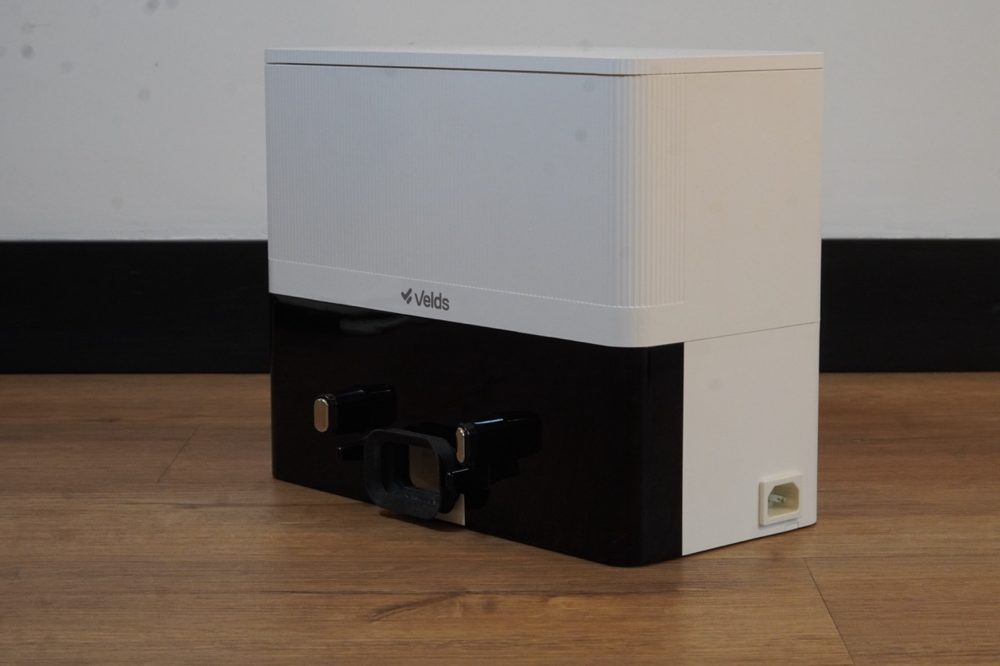
with dust box
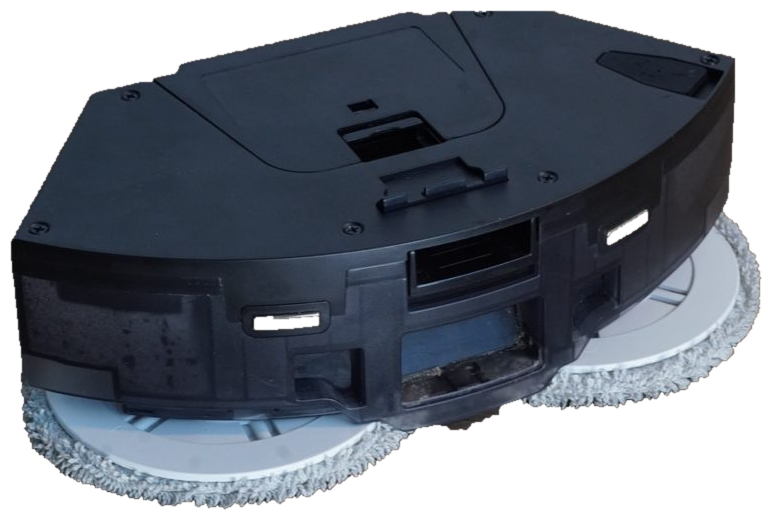
and dust tank
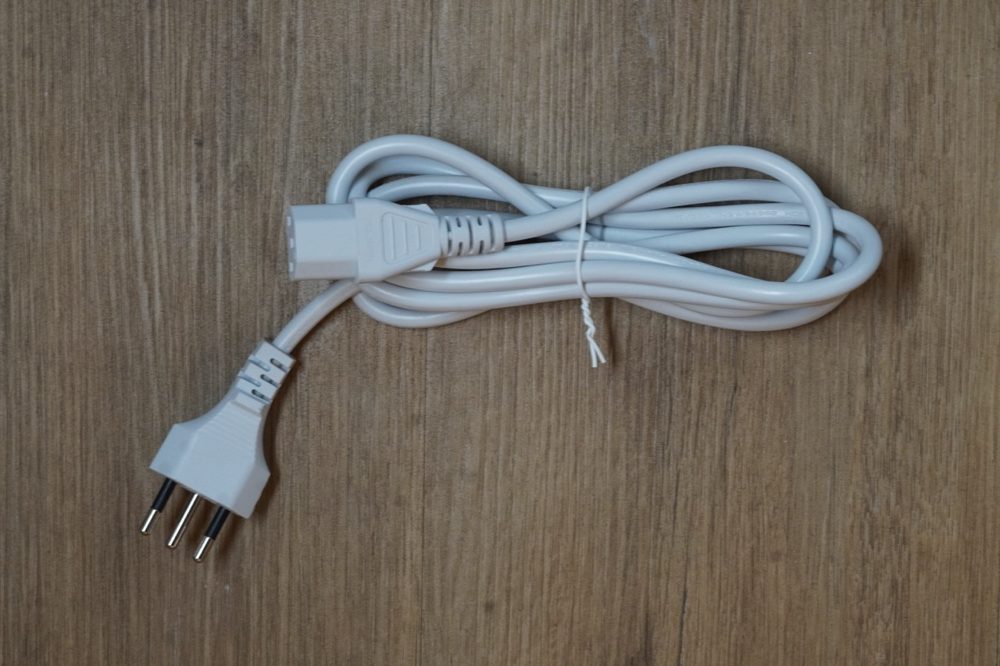
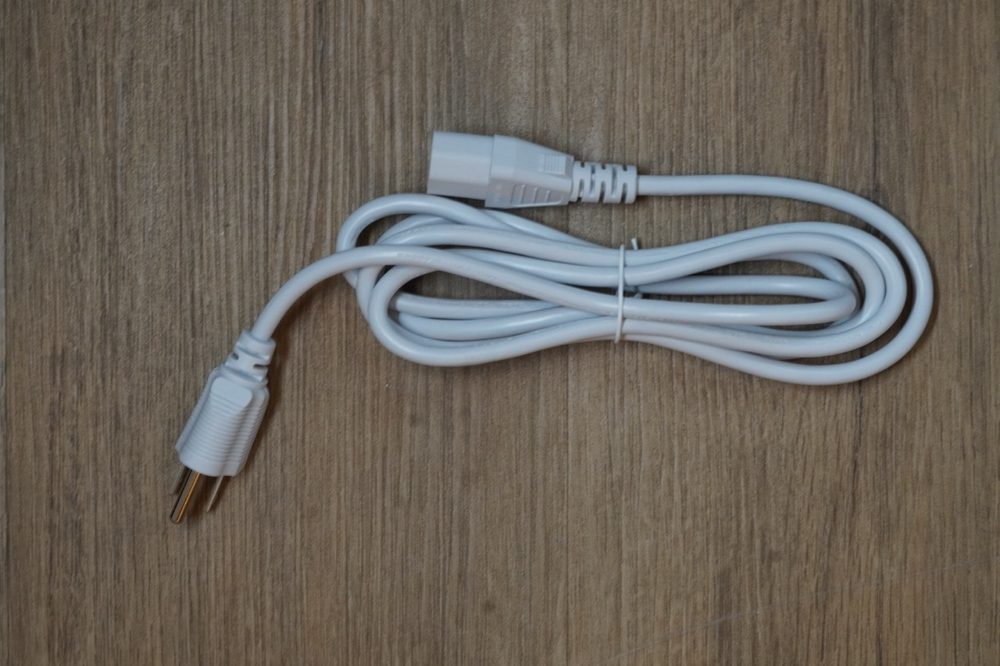
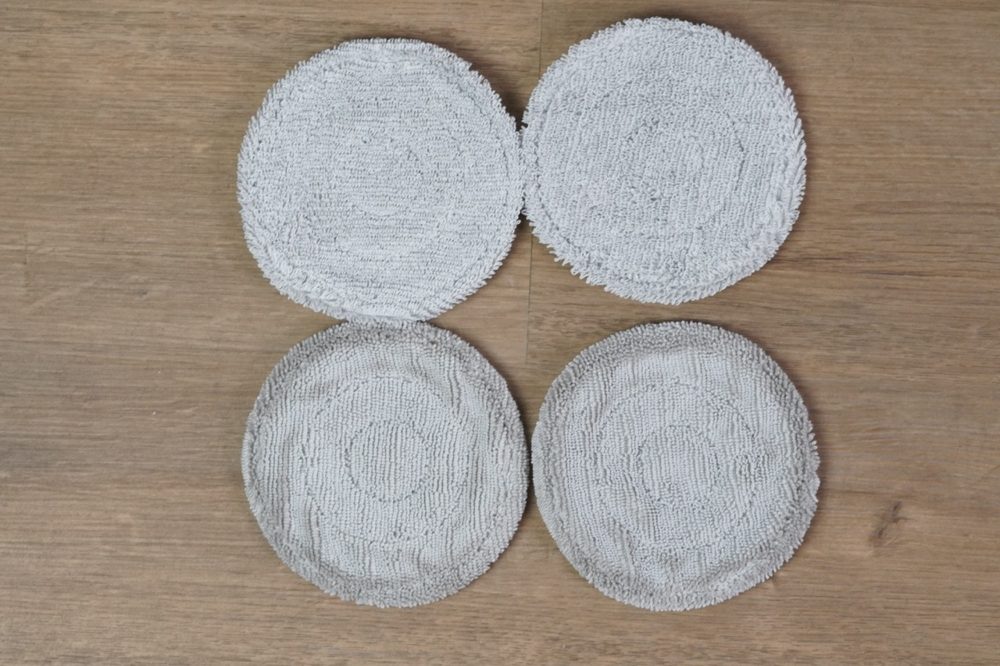
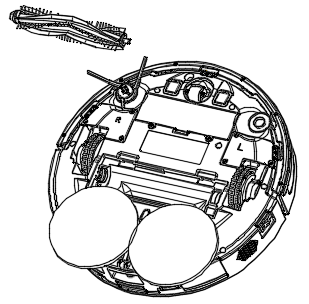
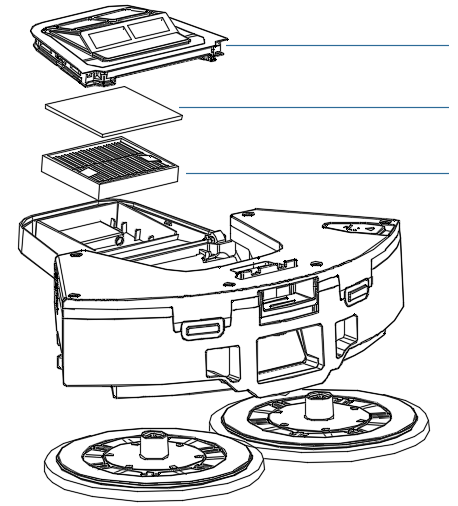
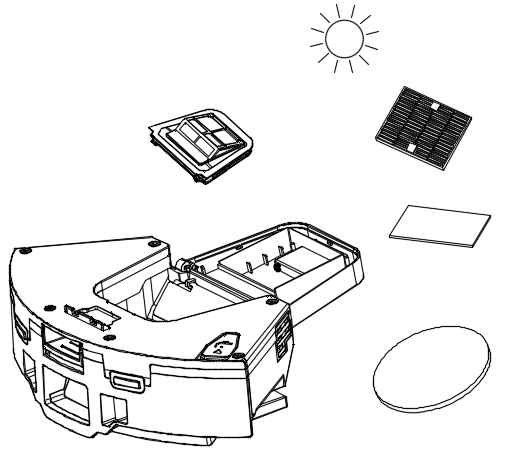

| Model | V50 PRO |
| Wireless connectivity | Wi-Fi 2.4GHz + Bluetooth LE |
| Voltage | 110V |
| Power consumption | 50W |
| Internal battery | 3,200 mAh |
| Cleaning time (Eco) | up to 90 minutes |
| Cleaning time (Max) | up to 50 minutes |
| Suction power | 10,000 Pa |
| Noise level | <75dB |
| Water tank | 270ml |
| Dust capacity | 300ml |
| V50 PRO weight | 3.145 kg |
| Dock weight | 2.677 kg |
| Supported platforms | Android / iOS |
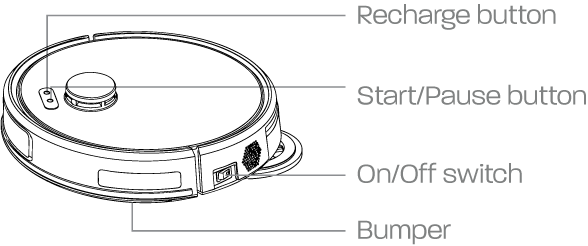
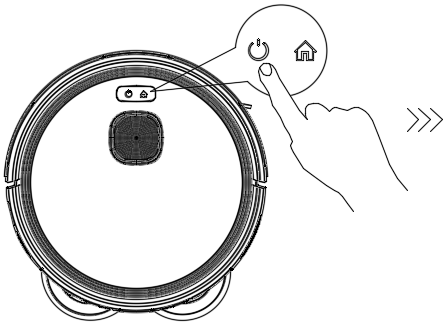
- Press once to send the robot to the charging dock.
- Press any button to pause the return to the dock.
- Press and hold for 10 seconds to enter pairing mode.
- Press once to start cleaning.
- During cleaning, press any button to pause.
- Press Power/Start again to resume cleaning.
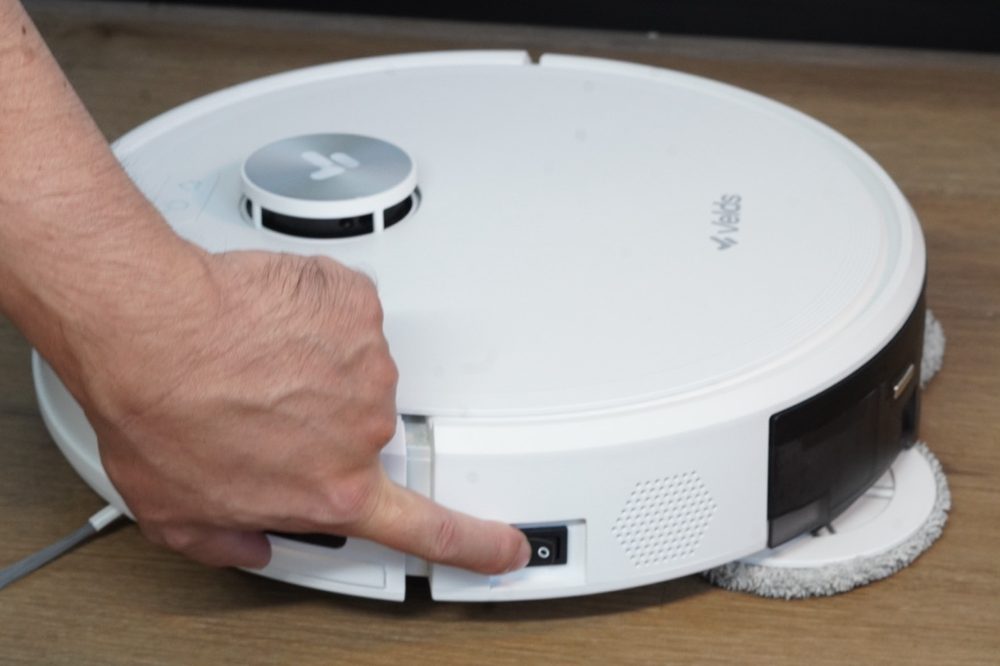
- Turns the robot on and off.
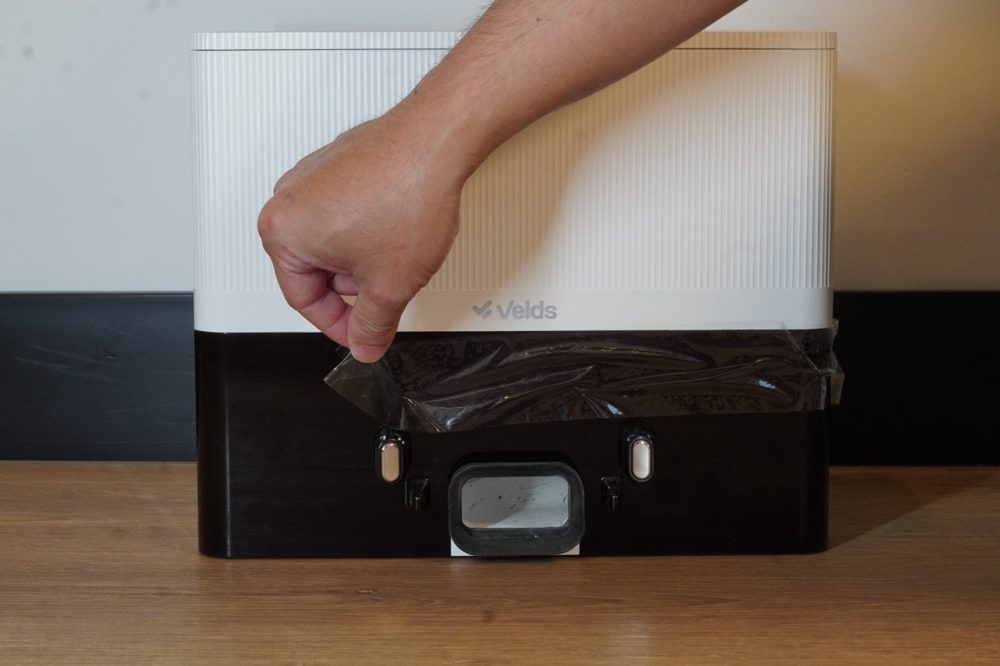
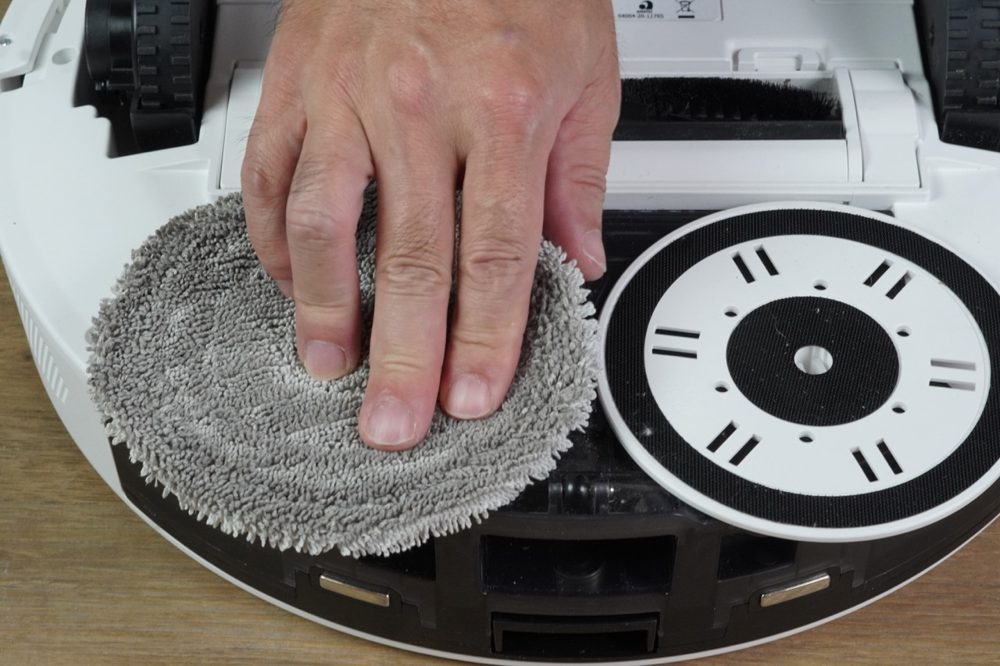
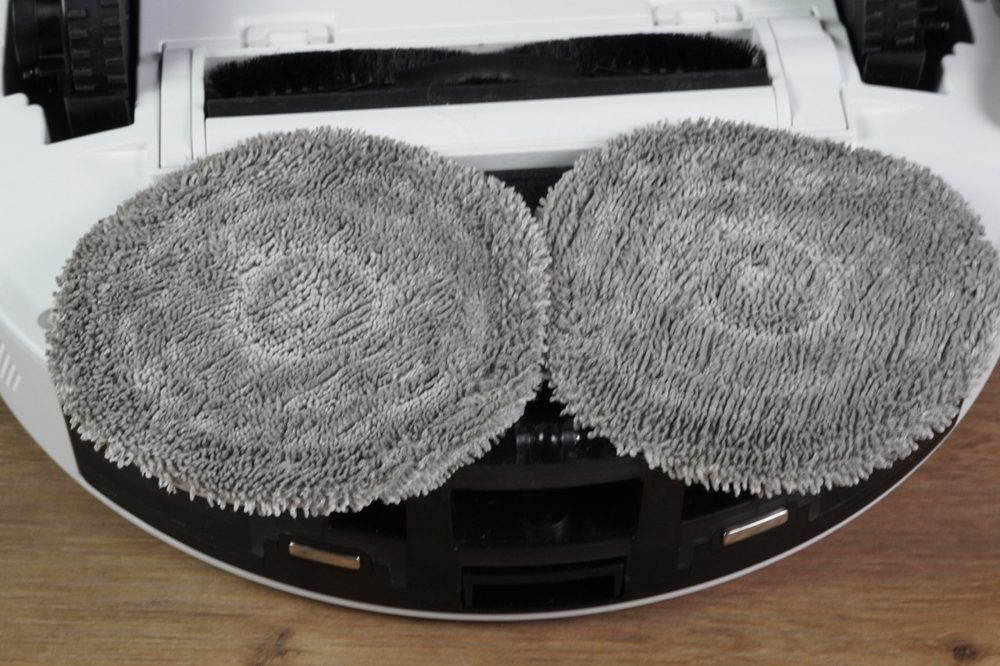
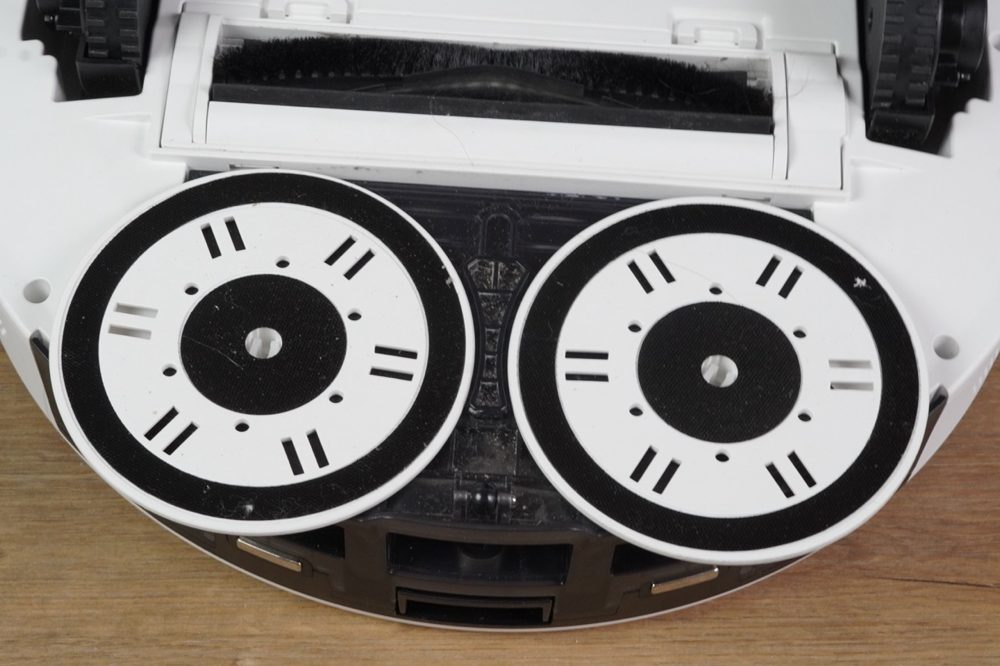
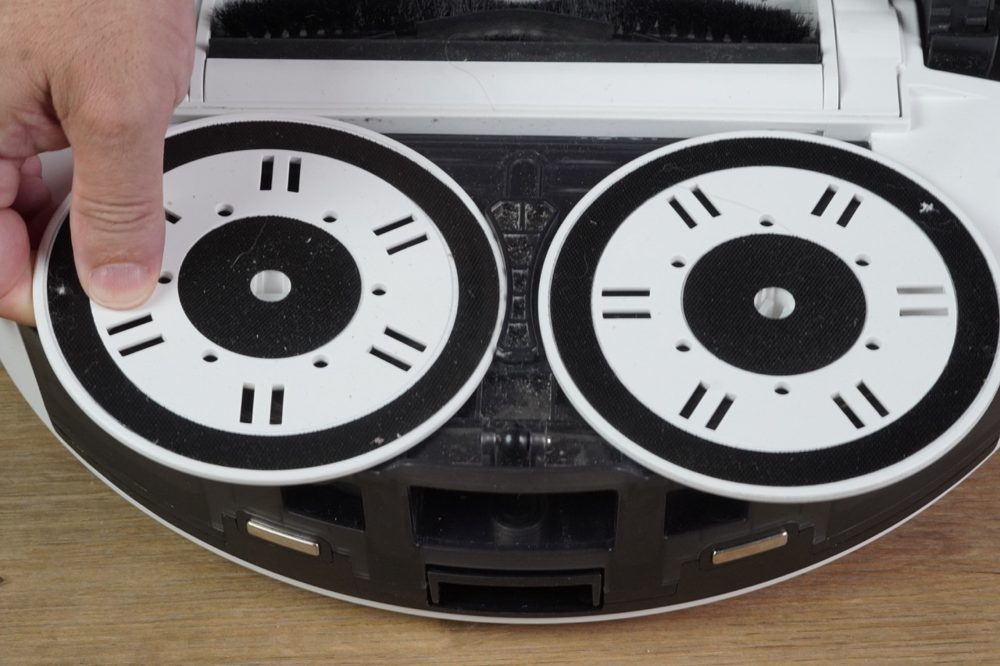
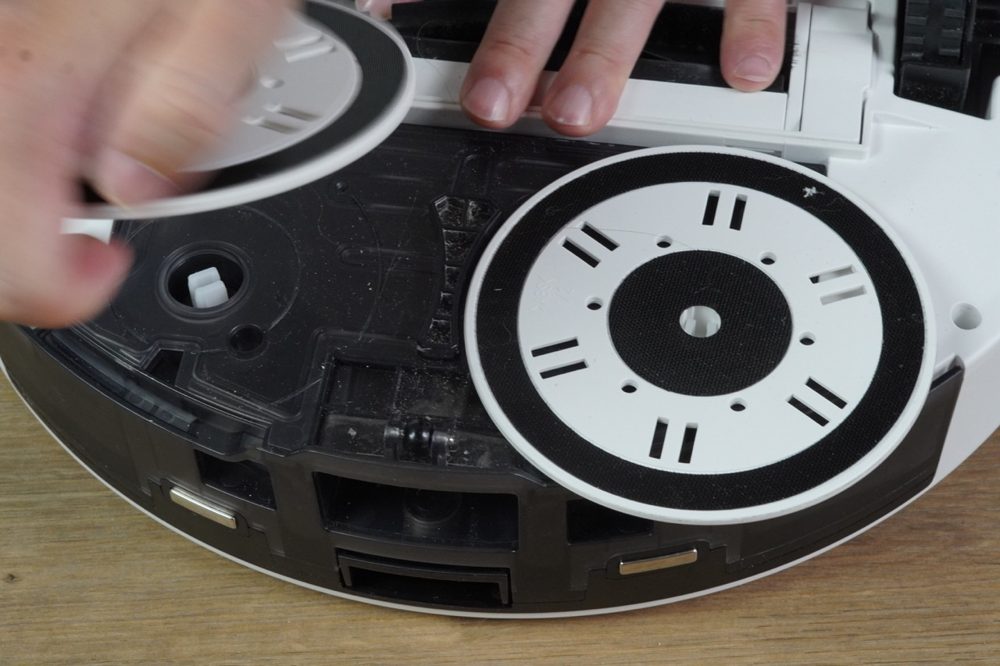
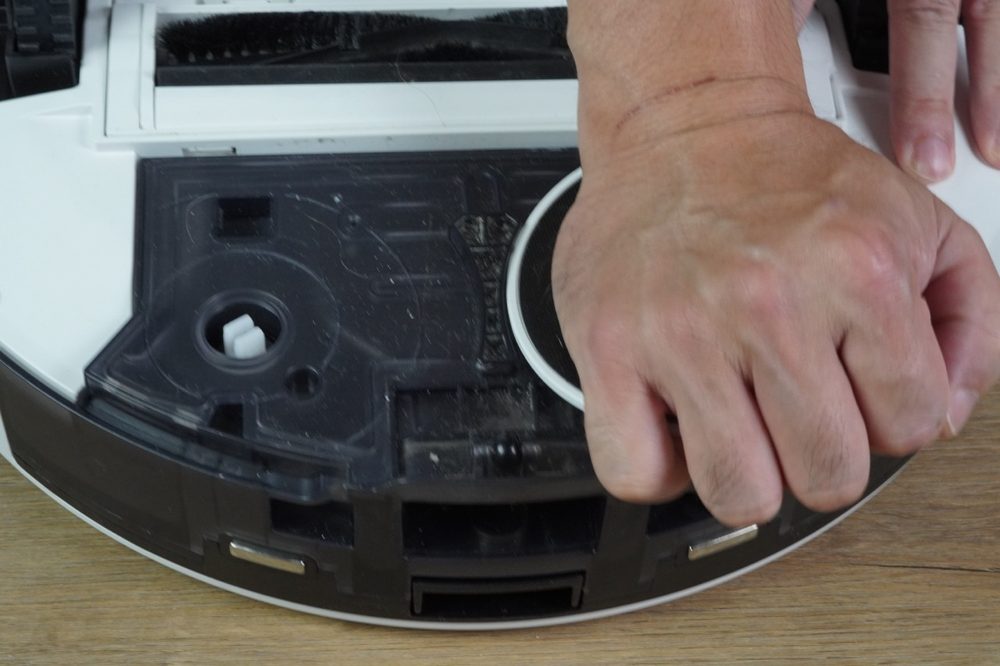
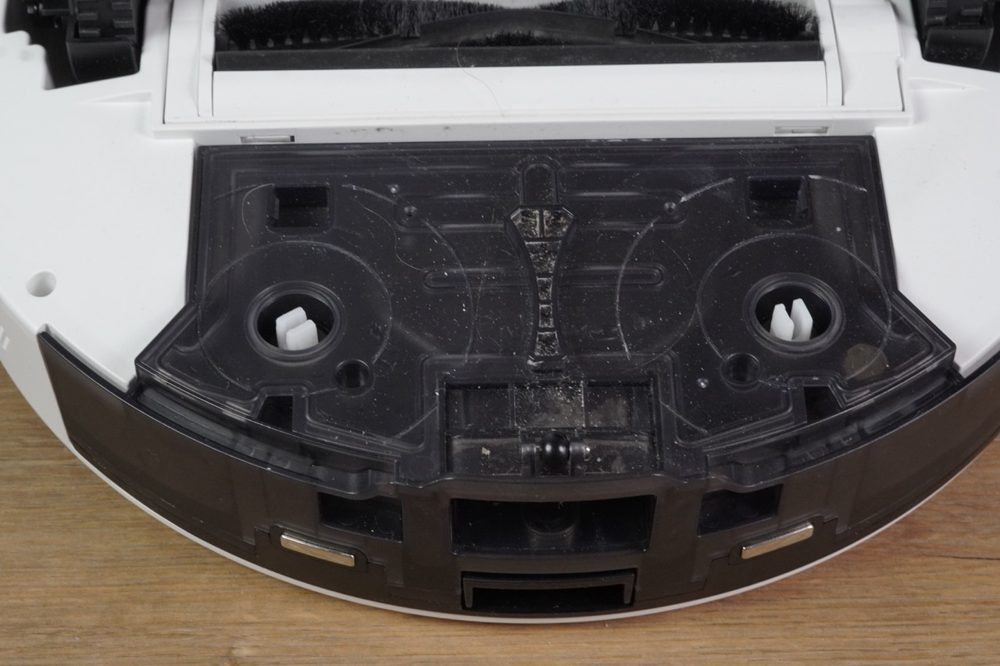
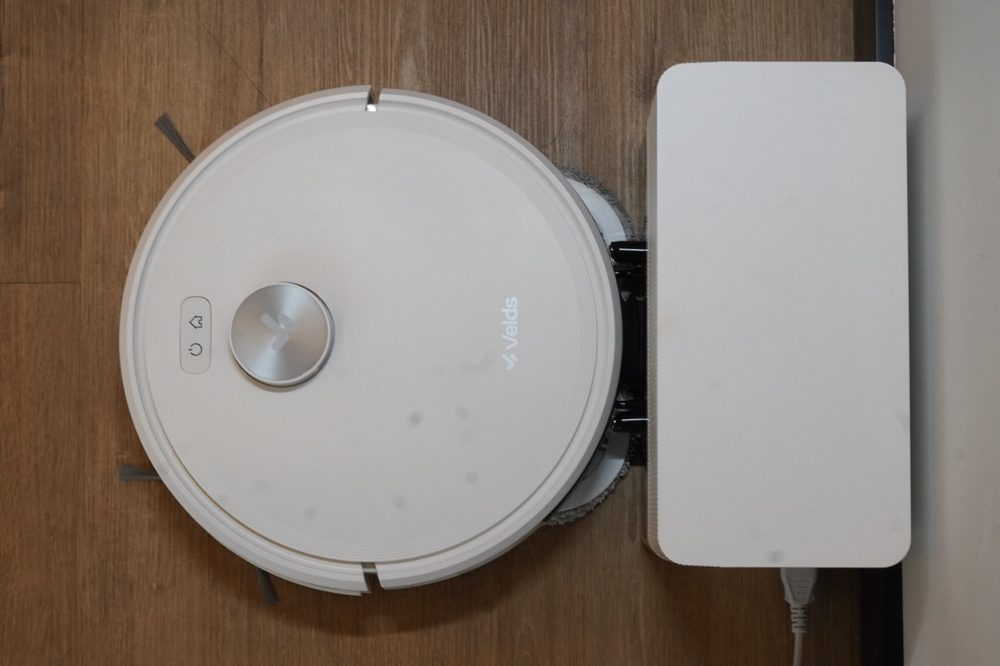
reposition the robot on the dock.
of the robot and the dock are aligned.
while it is on the dock.
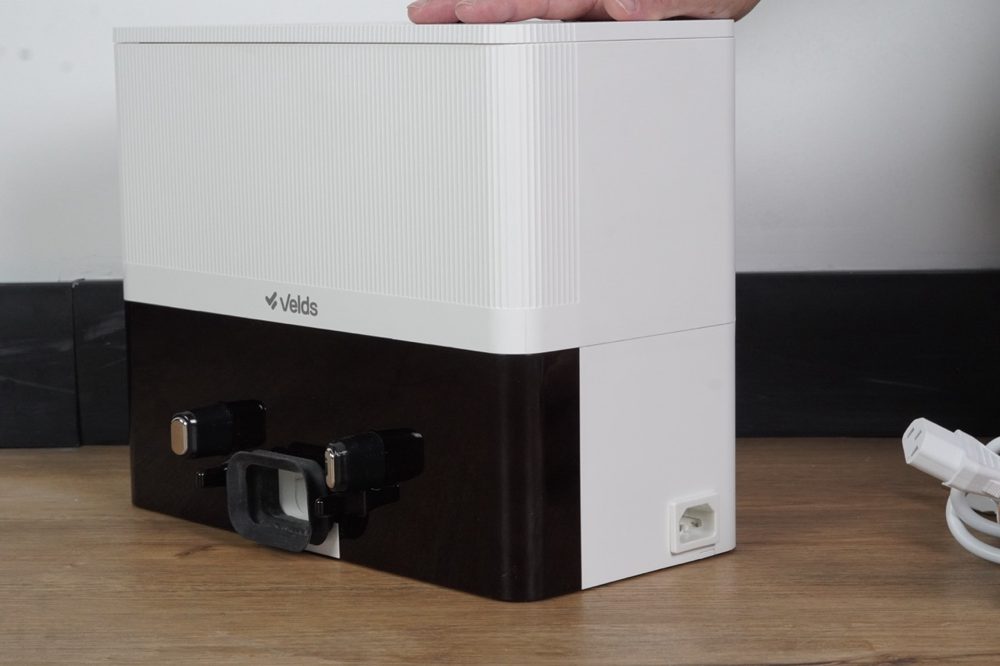
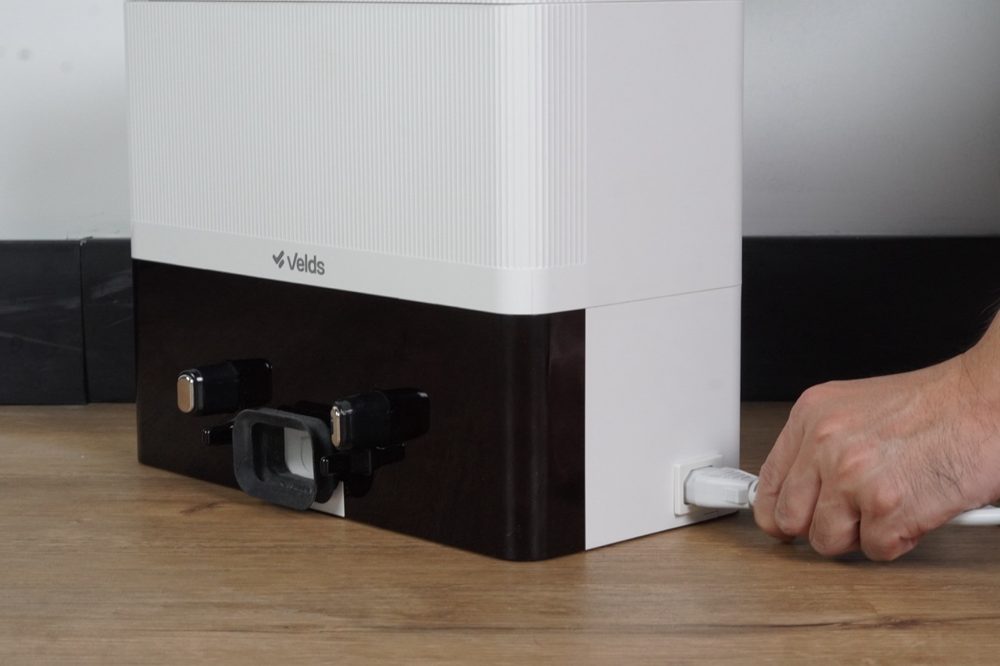
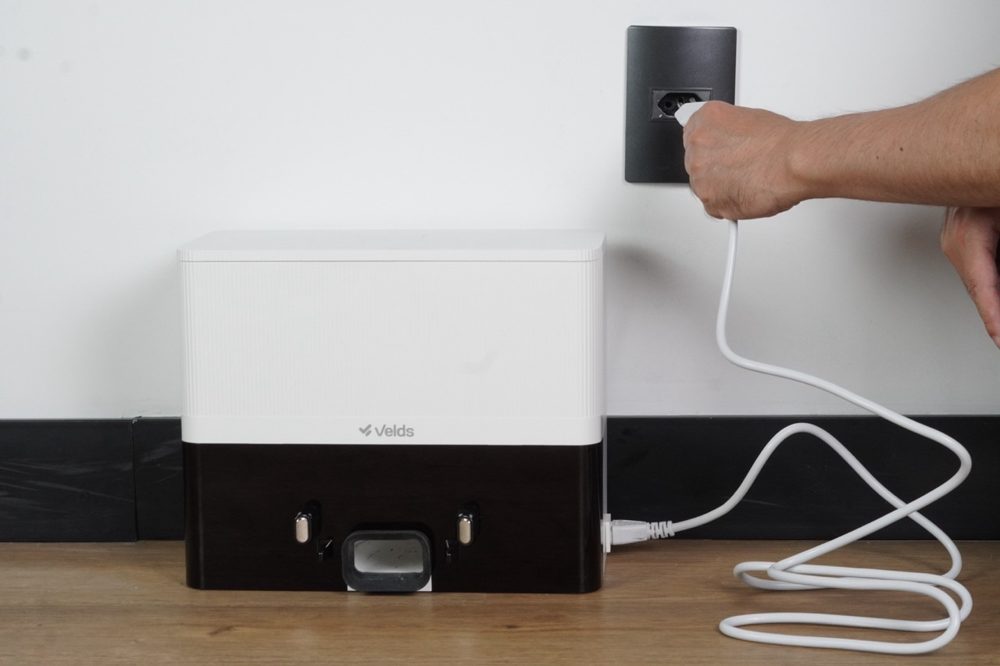
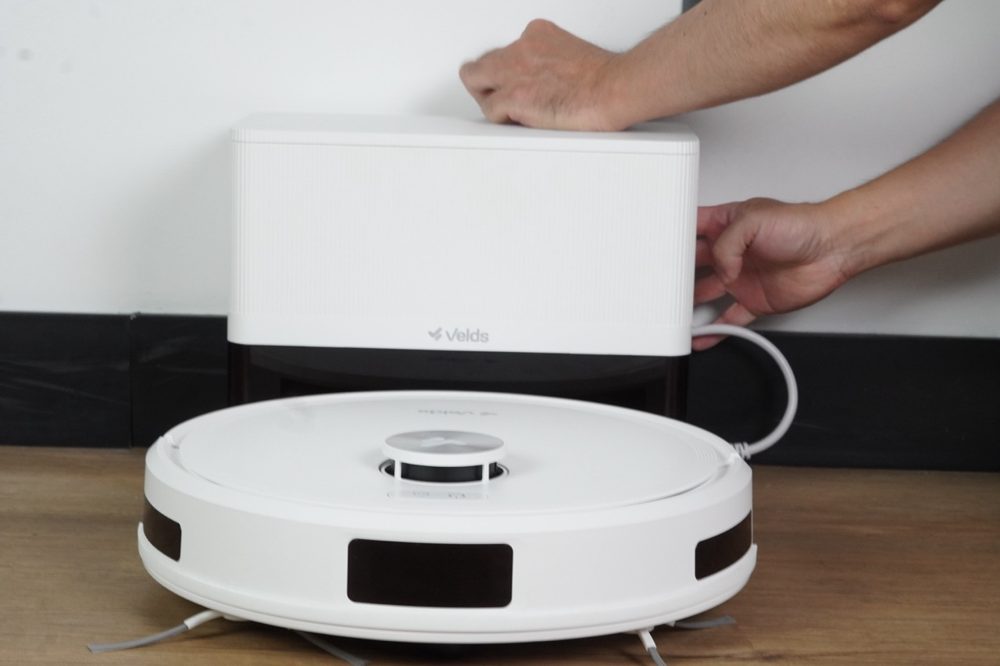
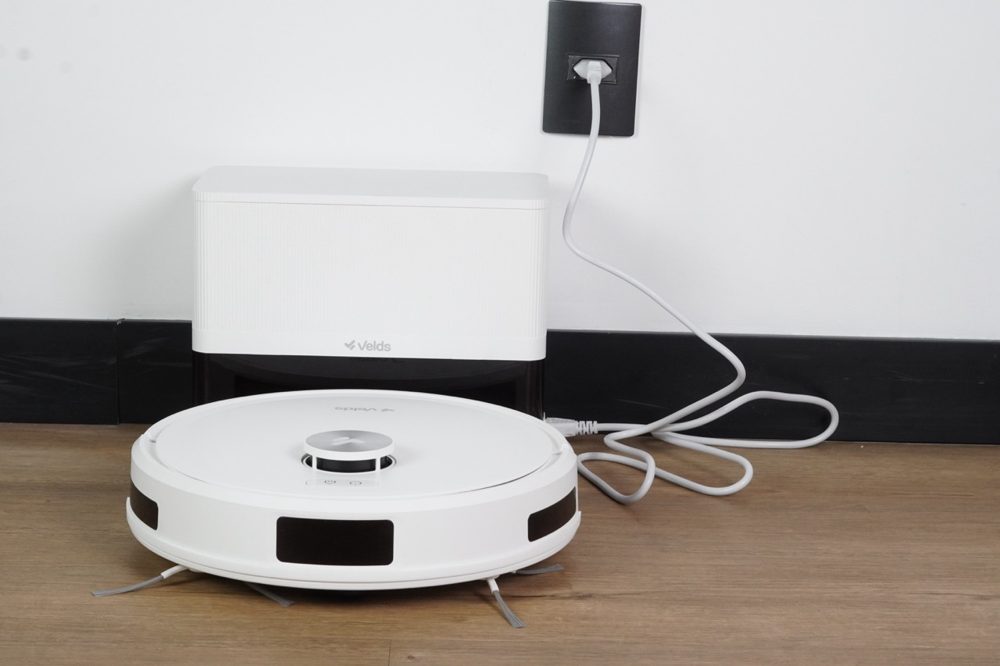
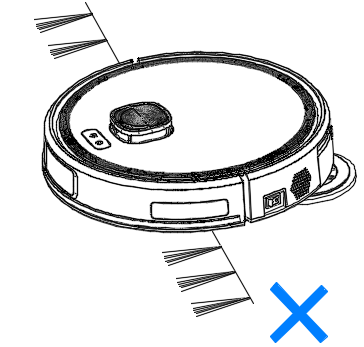
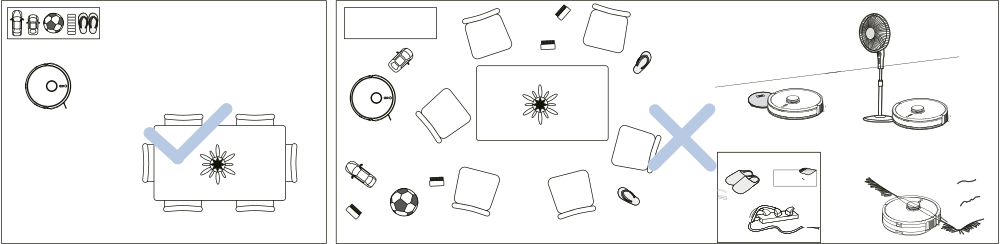
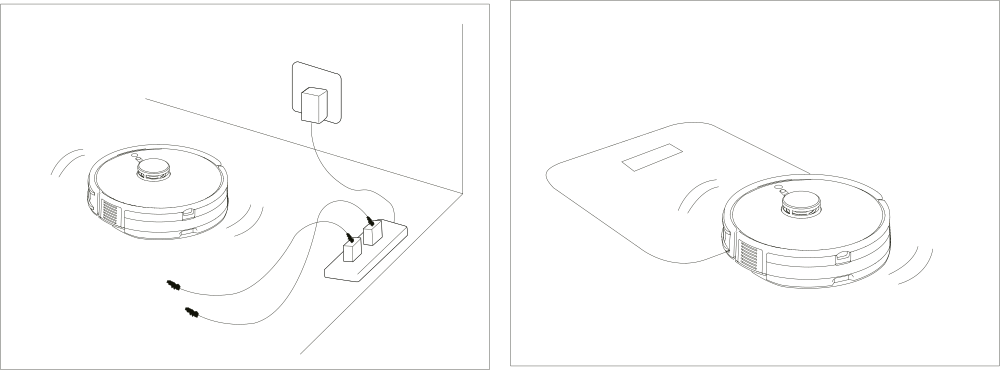
- Porcelain tile, ceramic and glazed tile
- Sealed vinyl and laminate floors
- Sealed or varnished wood, at a low moisture level
- Polished marble and granite
- Wood that is not varnished, sealed or oiled
- Unsealed natural stone, where water can seep in and stain
- Rough, anti-slip or heavily textured floors
- Carpets and rugs — the robot does not lift the pads while mopping

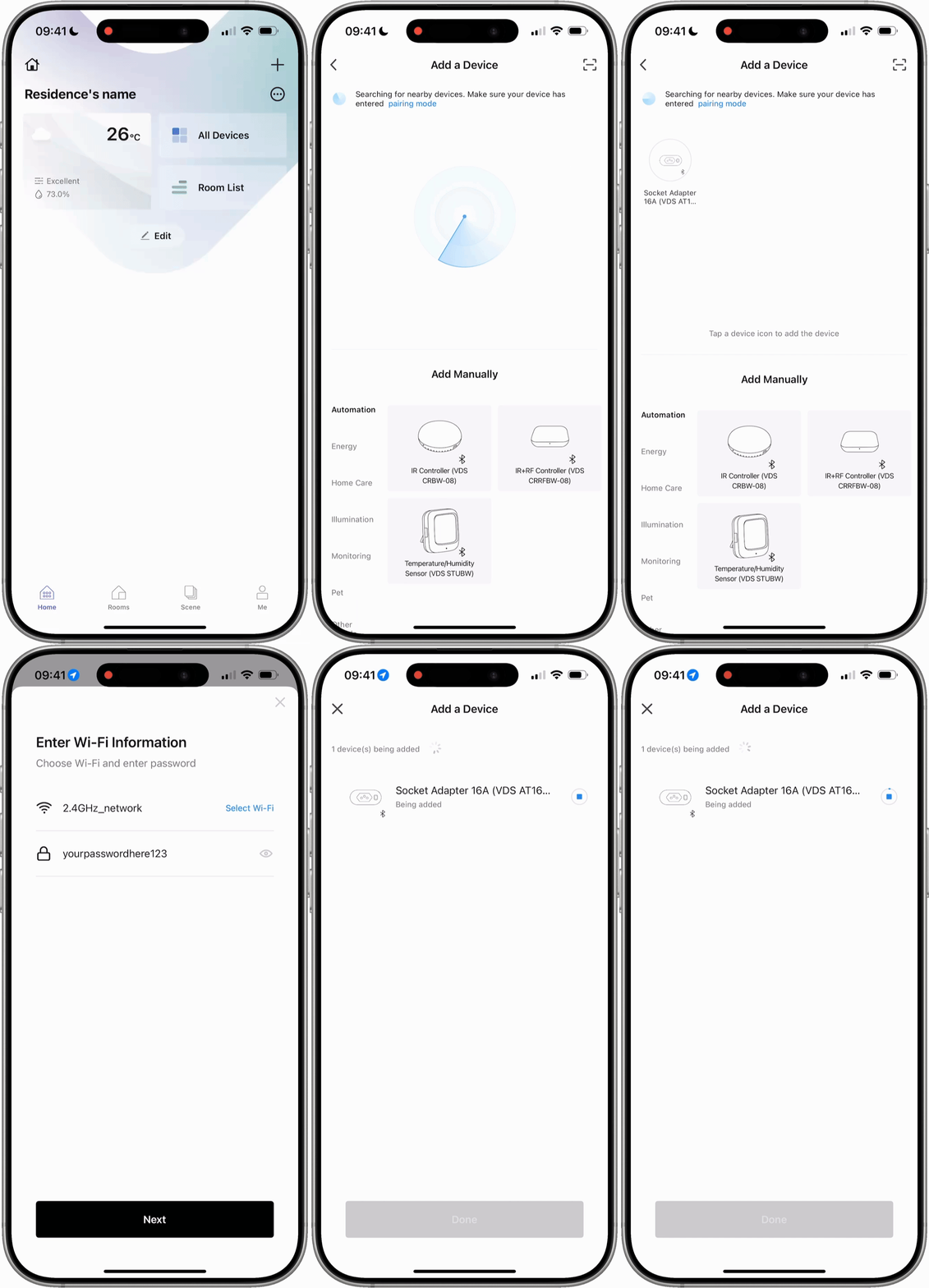
- Check that the Wi-Fi LED is blinking.
- Confirm that the network is 2.4GHz — 5GHz is not supported.
- Move the phone closer to the robot and the dock.
- Restart the robot and try again.
- See section 27 — Troubleshooting.
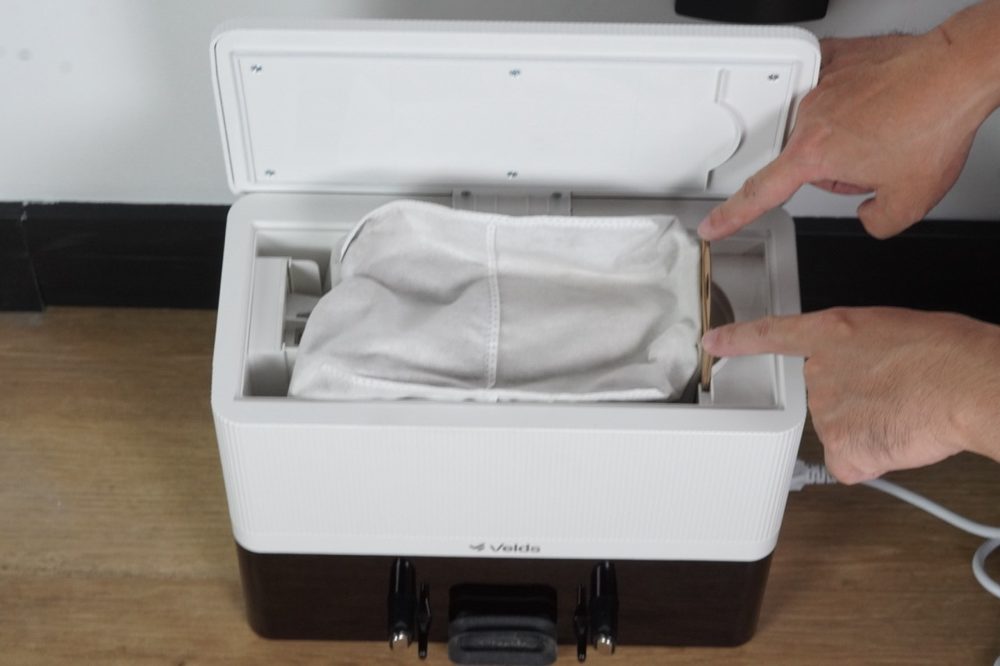
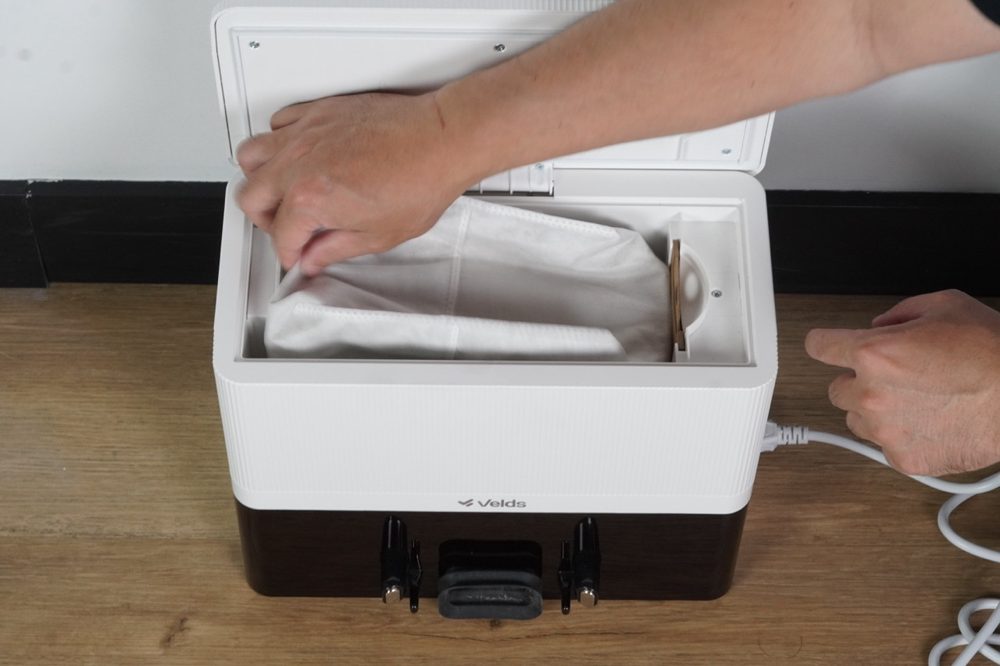
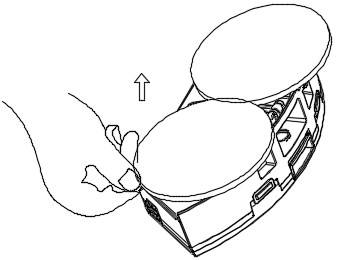
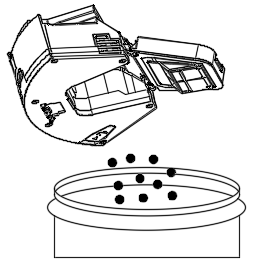
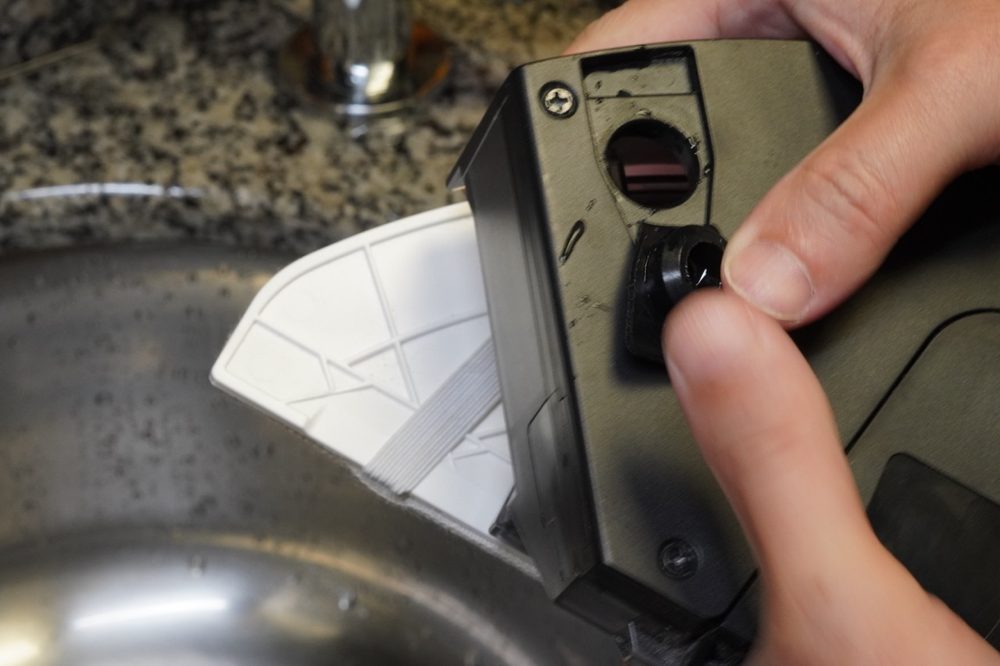
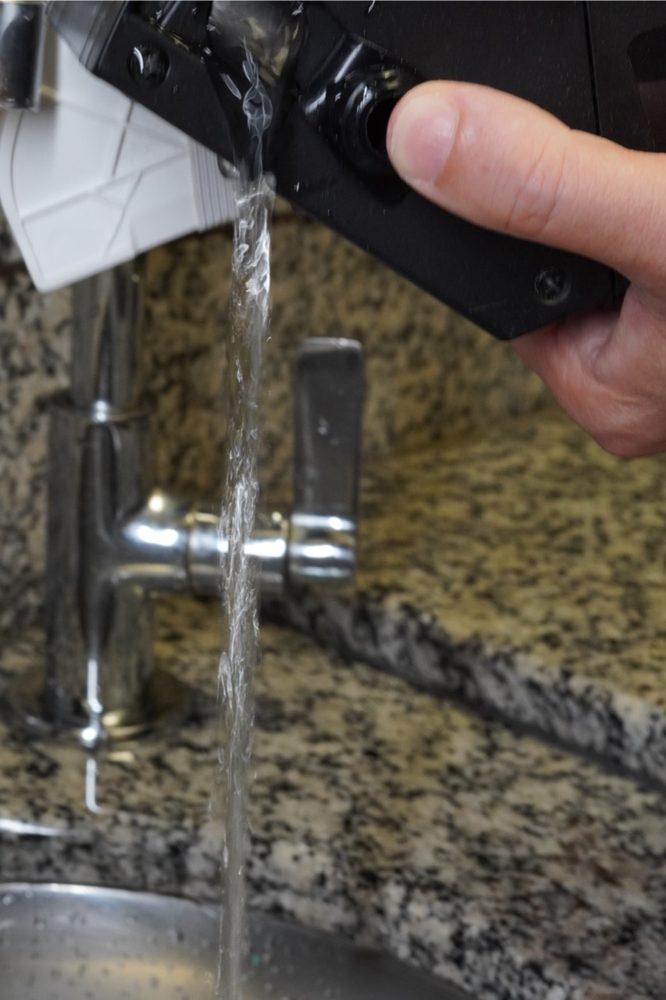
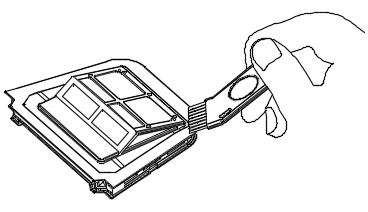
- Tap the HEPA filter gently to knock the dust off. Do not wash the HEPA filter.
- Wash only the foam pre-filter, under running water.
- Let both parts dry completely before putting them back.
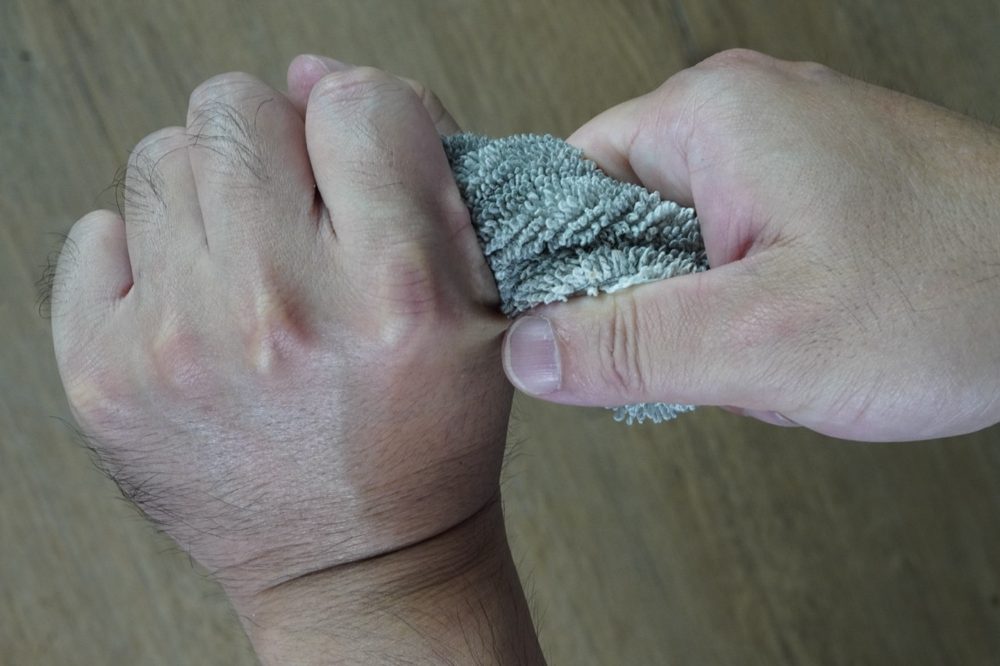
- Wash with mild soap and rinse. Machine washing is allowed — no fabric softener.
- Dry in the shade; do not use a tumble dryer.
- If the robot will not be used for a day or more, take the pads off and let them air dry.
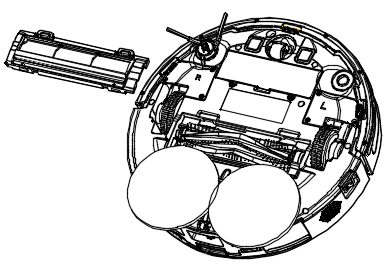
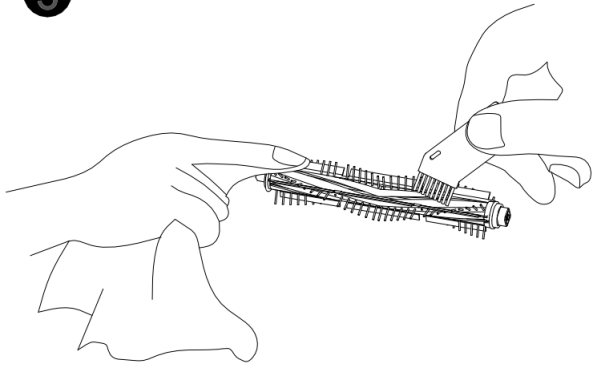
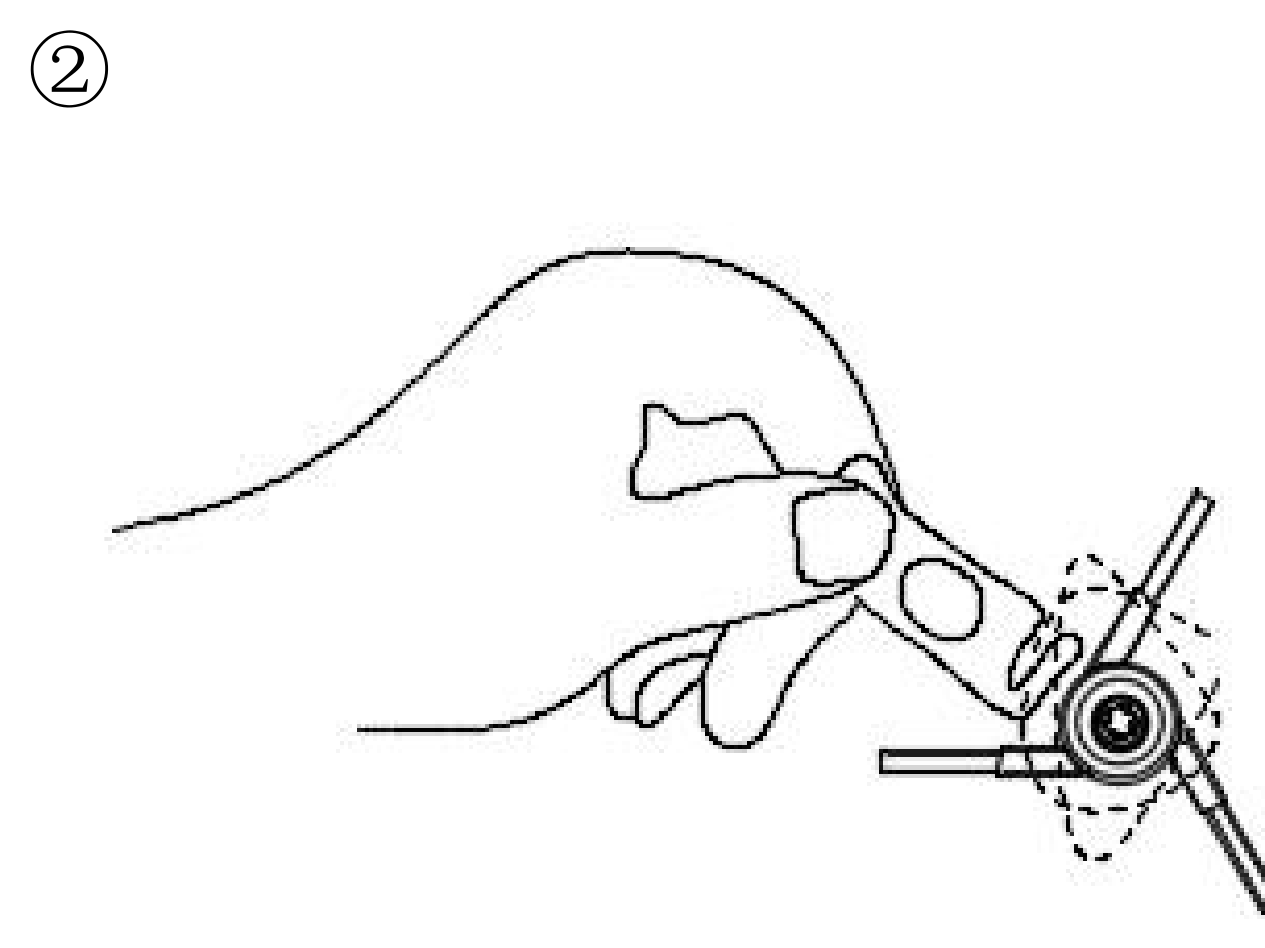
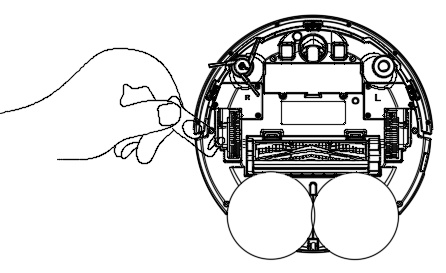
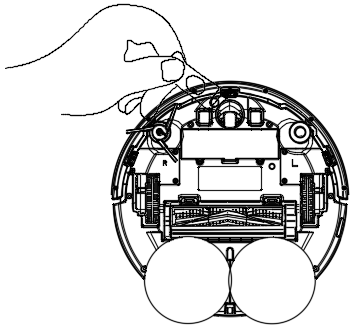
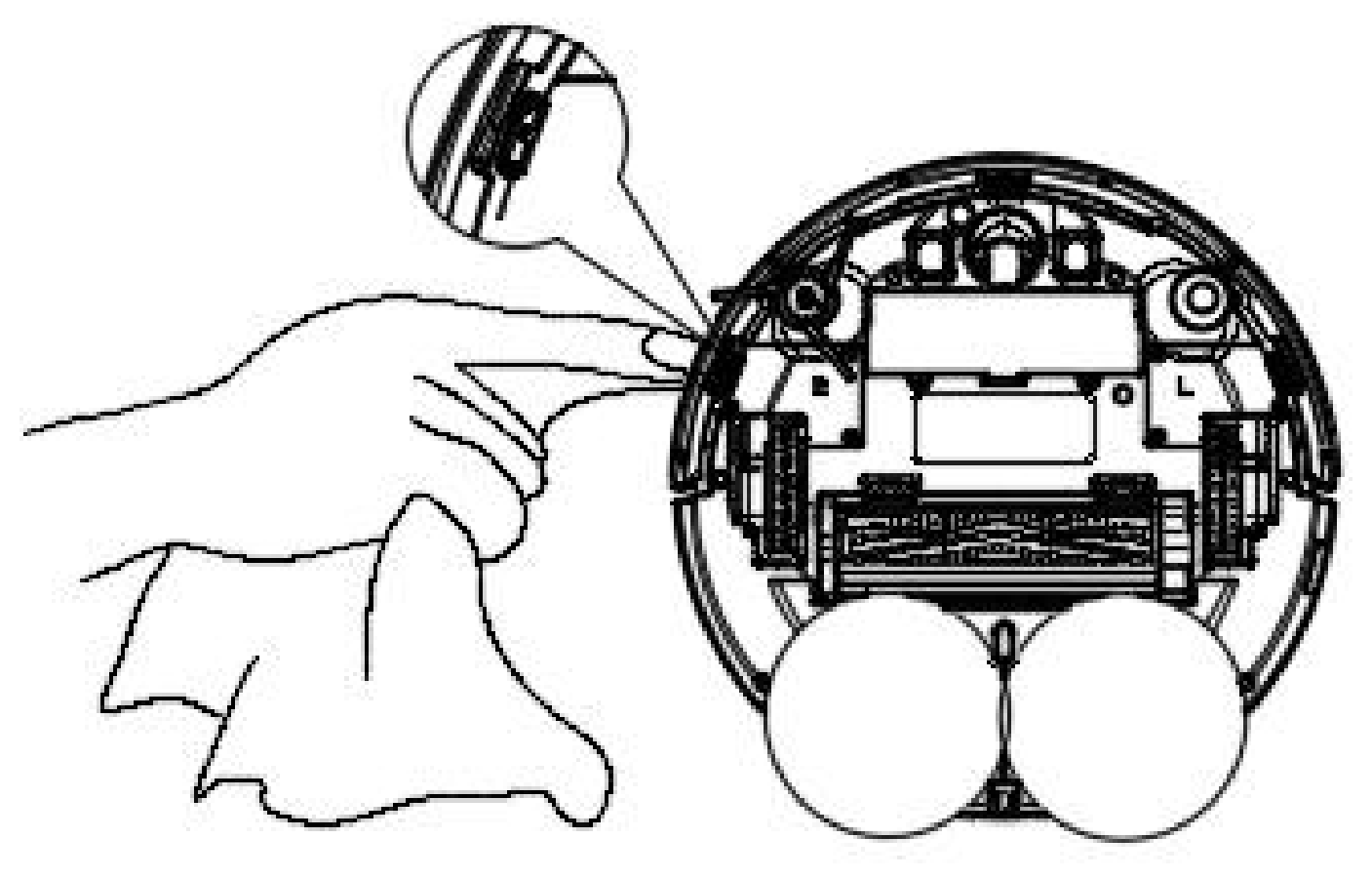
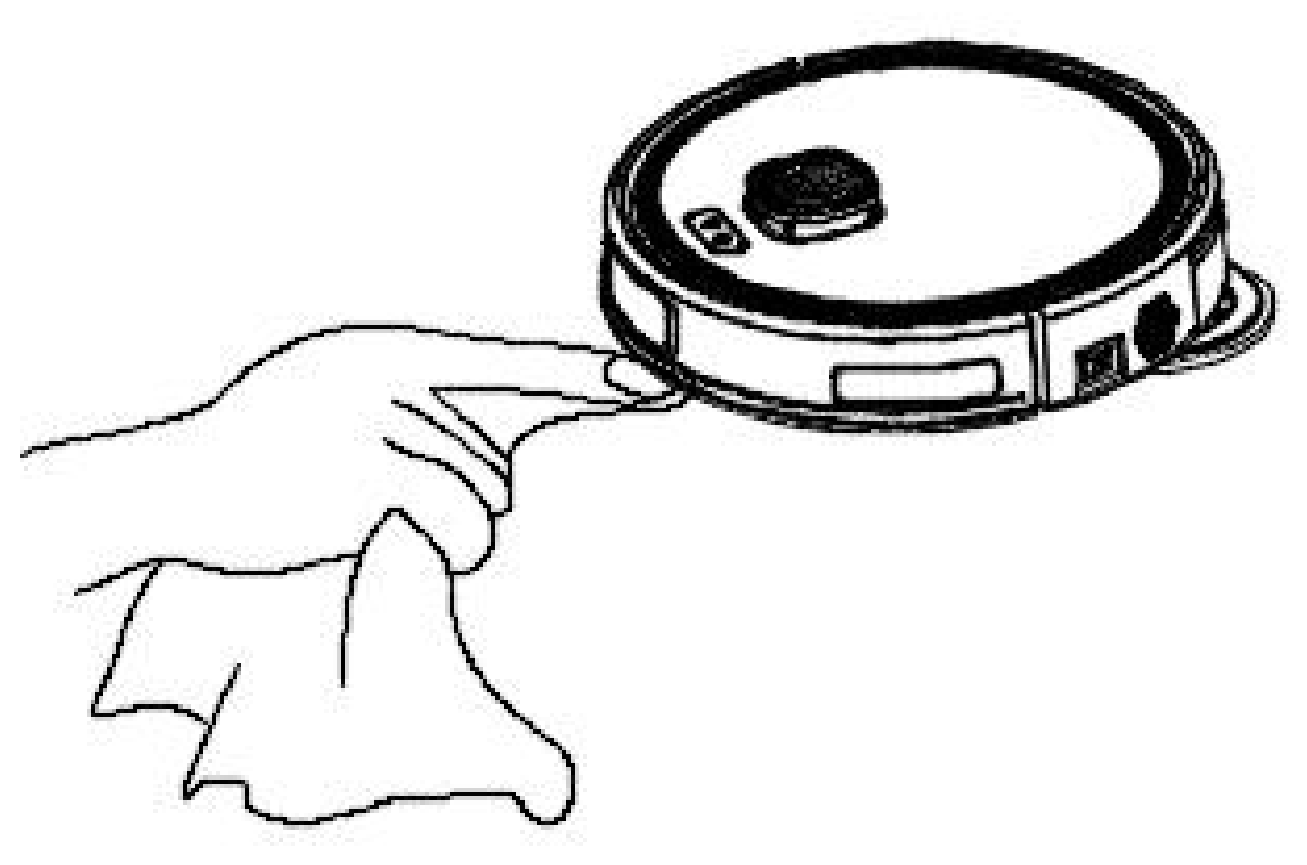
The Maintenance tab in the Velds app also tracks the wear status of the consumables and tells you when to replace them.
| Component | What to do |
|---|---|
| Dust compartment | Empty it after each use |
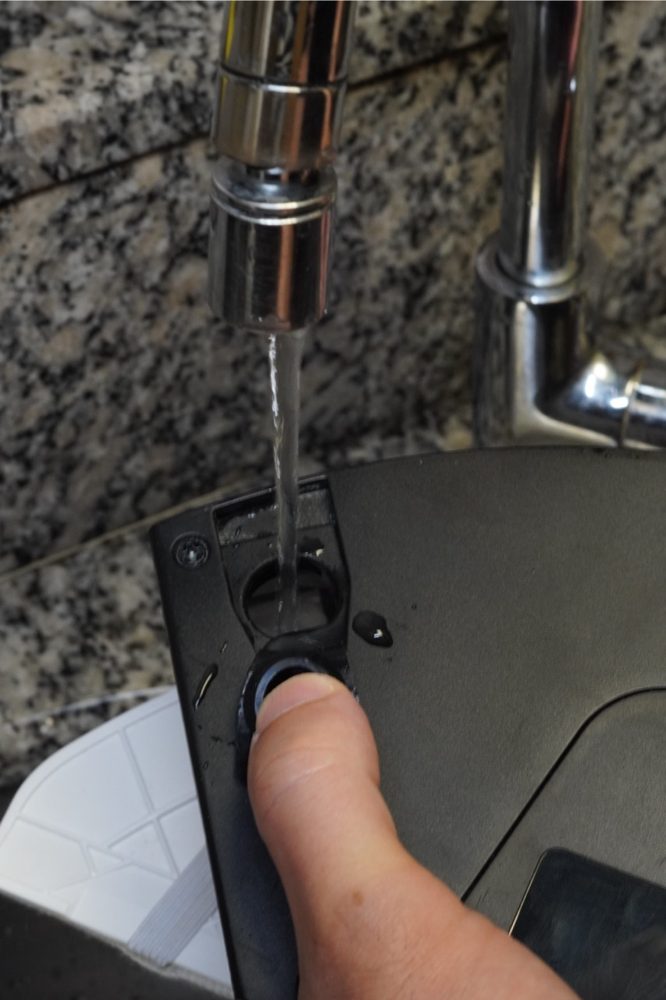
| 2-in-1 tank | Empty after each use; wash the inside under running water and dry it |
| Foam pre-filter | Wash under running water, weekly |
| HEPA filter | Tap it to remove the dust, monthly. Do not wash it |
| Main brush | Remove the cover, take the brush out and clear hair and fibers, weekly |
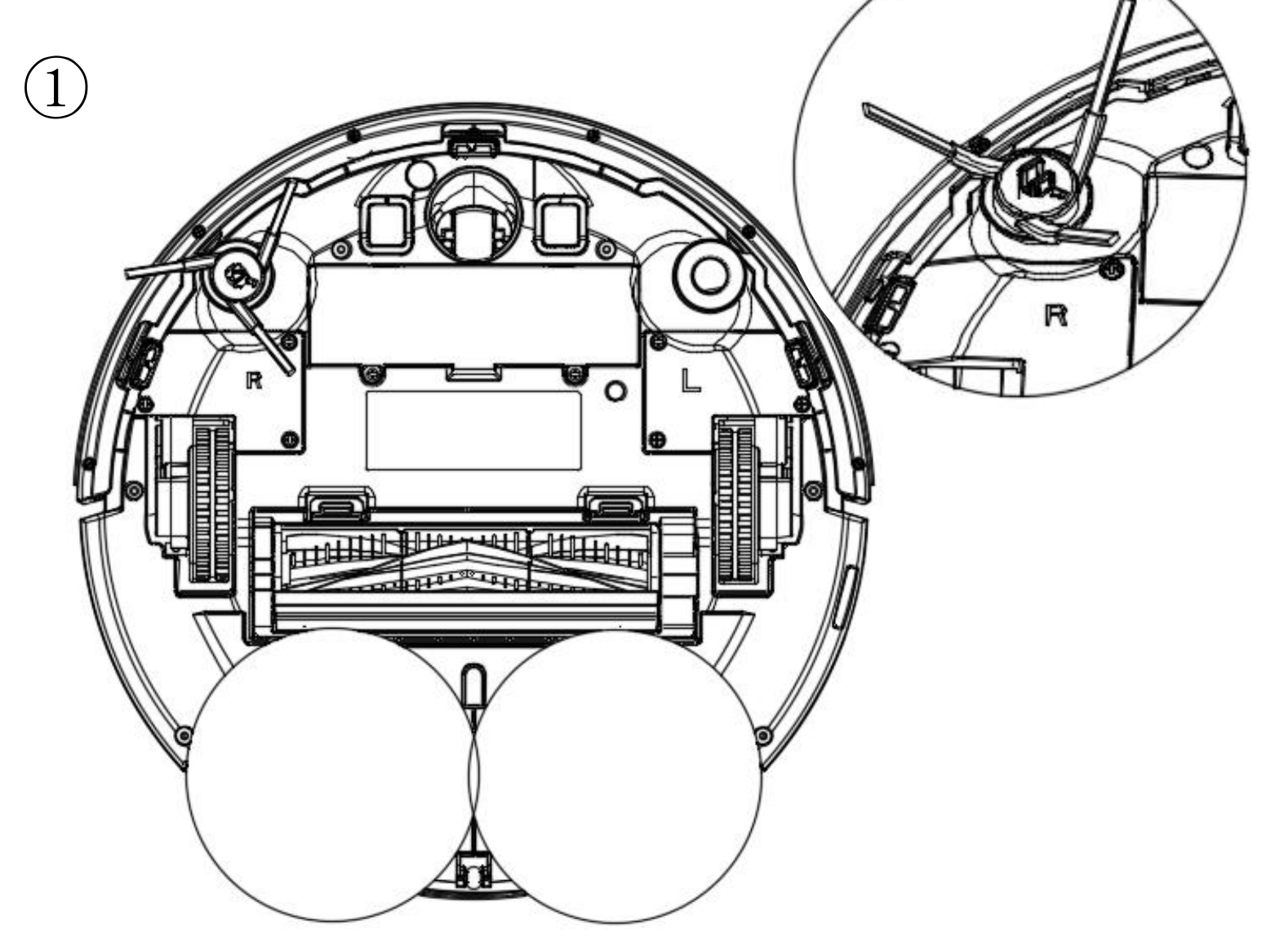
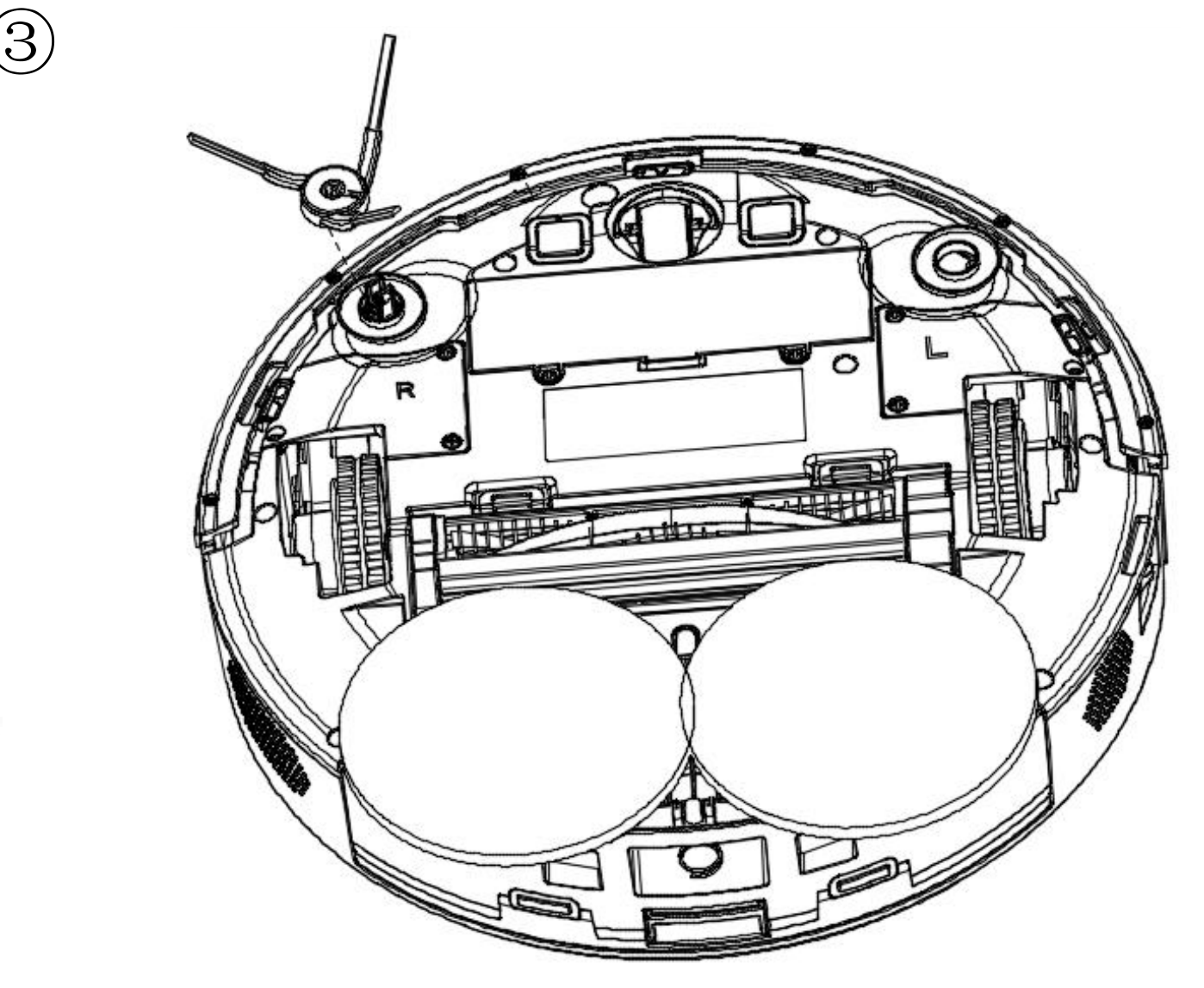
| Side brushes | Remove, clear hair and fibers from bristles and sockets, weekly |
| Component | What to do |
|---|---|
| Mop pads and holders | Wash with mild soap after each use, dry in the shade, check the fastener |
| Wheels and sensors | Wipe with a soft dry cloth, weekly. No chemicals |
| Charging contacts | Wipe the robot and dock contacts with a soft dry cloth, weekly |
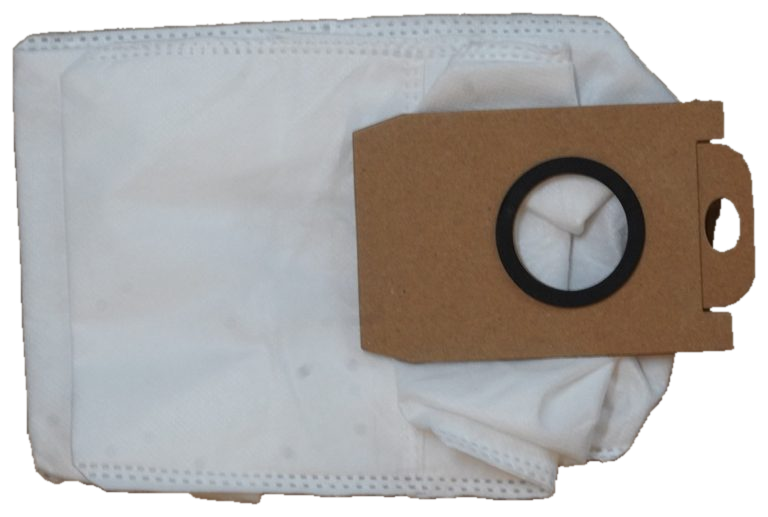
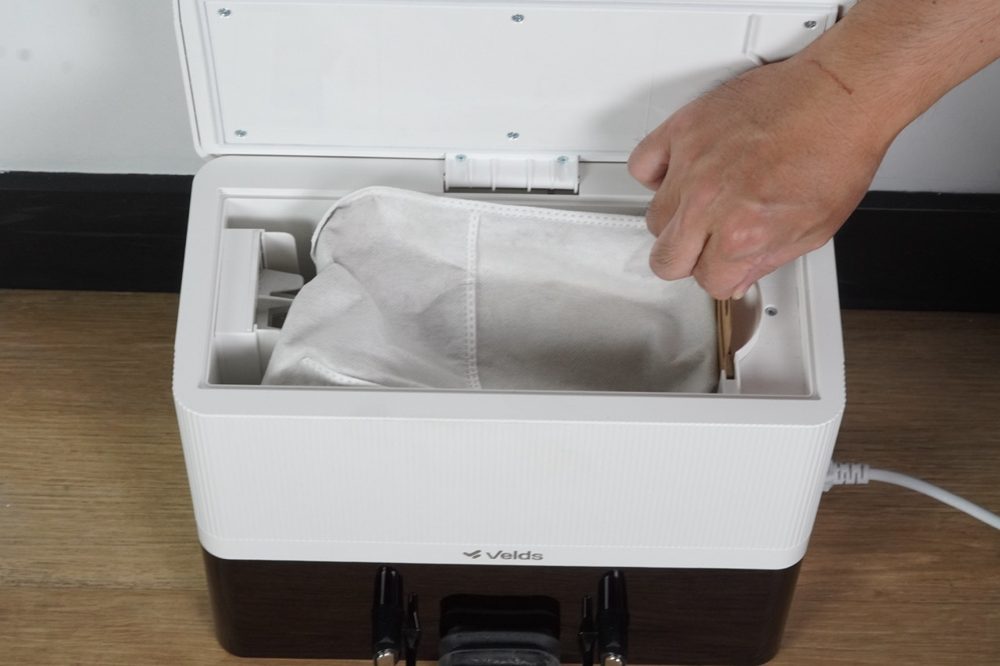
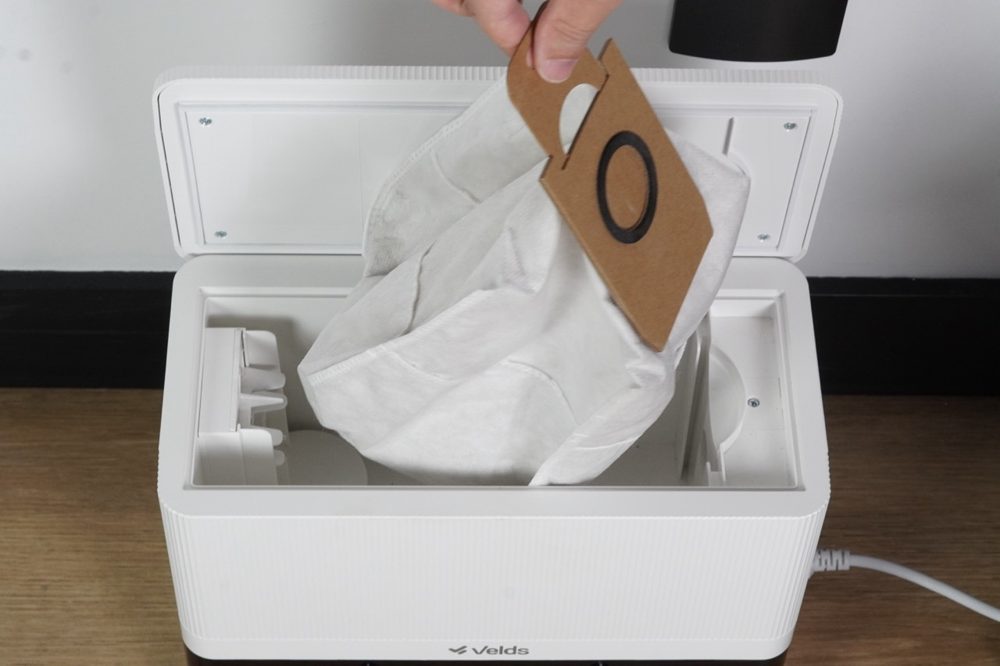
| Dust bag | Replace when full or when the app notifies you. Do not wash or reuse |
| Dock | Dry, ventilated place; dry cloth; keep the pins and infrared sensor free of dust, weekly |
| Battery | Keep the robot charged; if unused for long periods, charge it every 3 months |
- Empty the dust compartment.
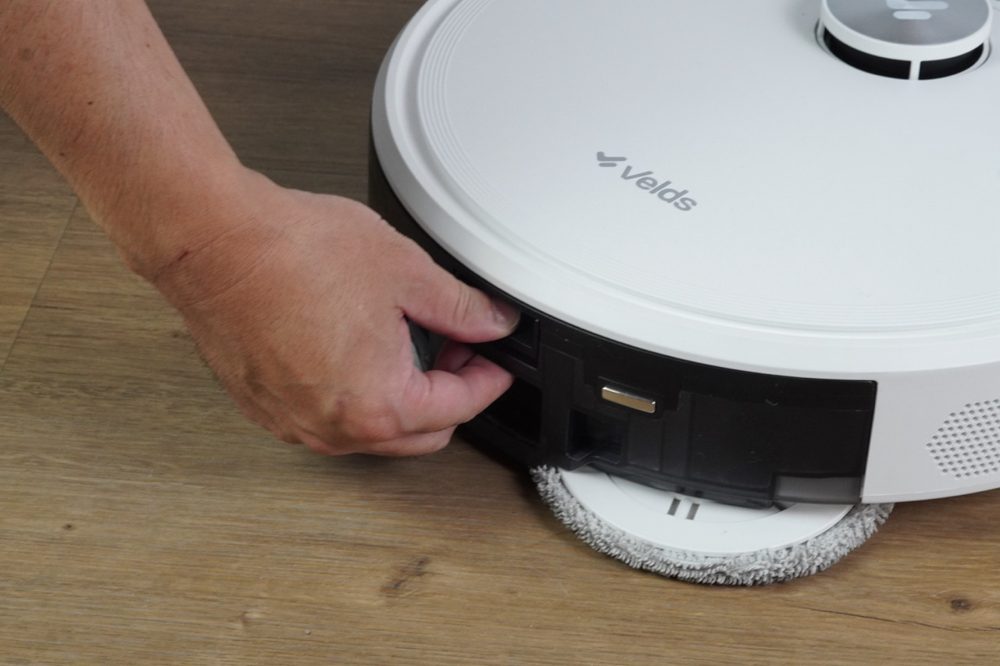
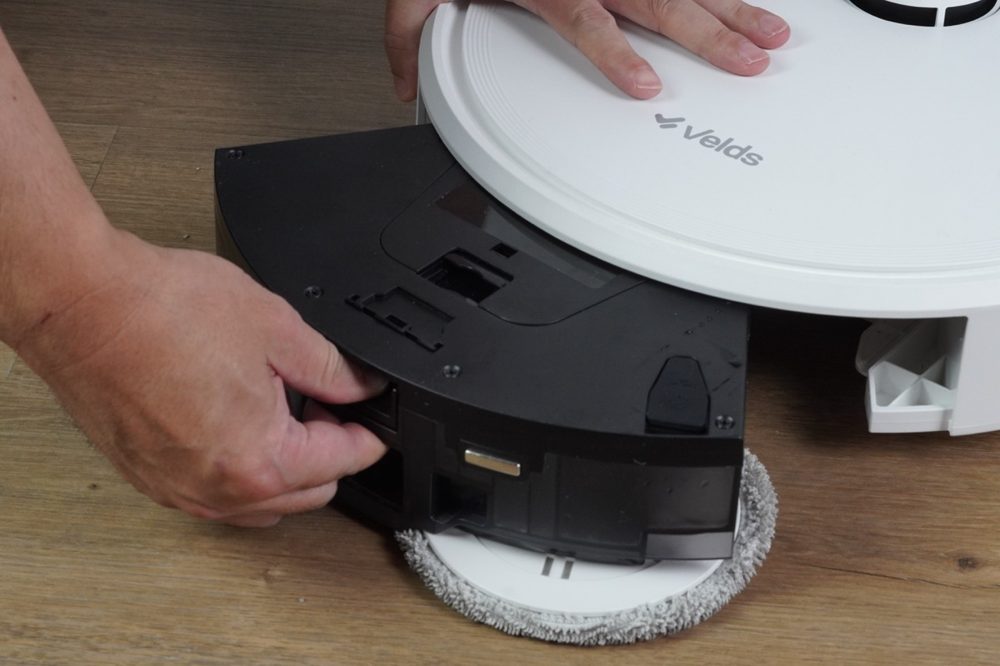
- Empty the water tank.
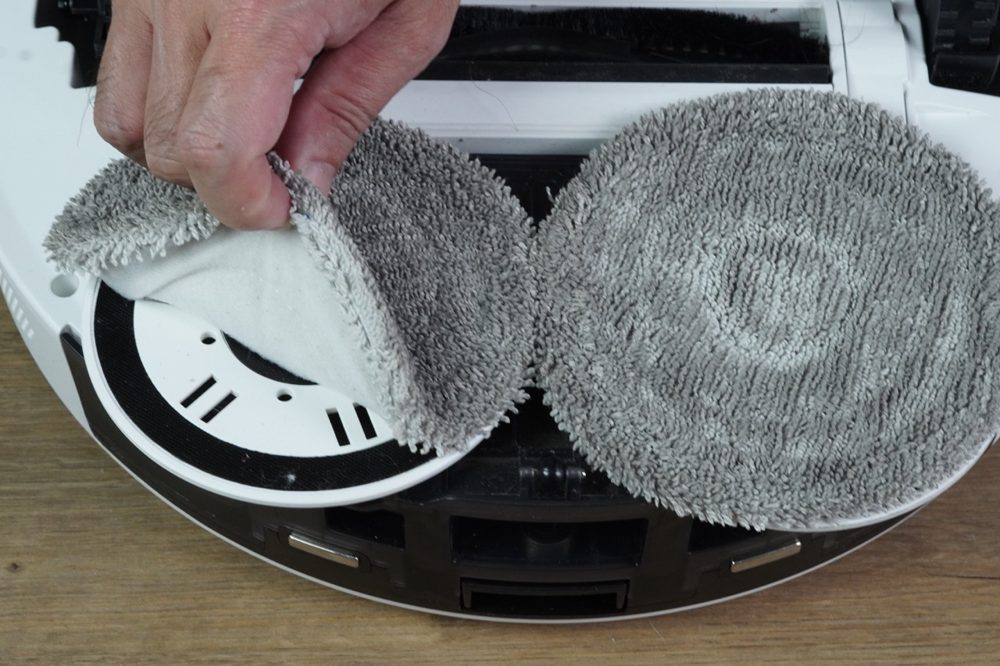
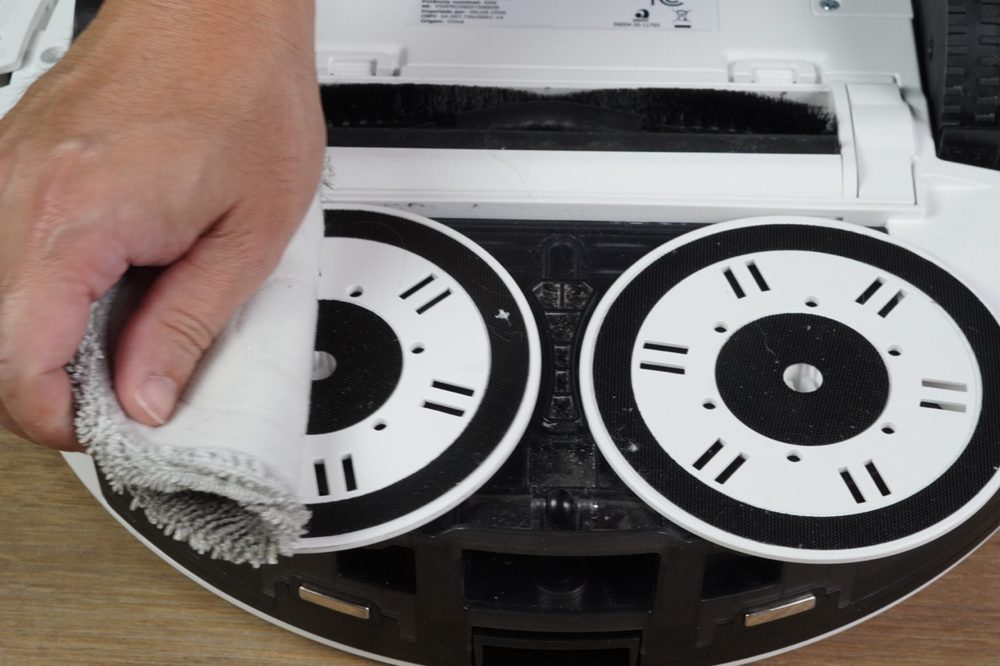
- Remove and wash the mop pads.
- Let every part dry before reassembling.
Read this manual carefully before using the V50 PRO and keep it for future reference. Failing to follow these instructions may cause damage to the product, damage to property or injury.
This appliance is not intended for use by persons, including children, with reduced physical, sensory or mental capabilities, or lacking experience and knowledge, unless they have been instructed or are supervised by someone responsible for their safety. Children should be supervised to ensure they do not play with the appliance.
When the robot detects a problem, the status LED blinks red and the robot announces the occurrence with a voice message. Listen to the spoken message and follow the instruction.
| Situation | What to do |
|---|---|
| Does not turn on | Charge the robot on the dock and check that the side switch is in the on position. |
| Does not charge on the dock | Confirm the dock is powered and clean the charging contacts of the robot and the dock with a soft dry cloth. Reposition the robot and check that the contacts are aligned. |
| Does not connect to the app | Confirm the network is 2.4GHz — 5GHz is not supported. Check that the Wi-Fi LED is blinking, move the phone closer to the robot and restart the robot. |
| Weak suction | Empty the dust compartment, clean the foam pre-filter and tap the HEPA filter. Check that the main brush and the suction duct are not obstructed. |
| Main brush does not turn | Remove the brush cover, take the brush out and clear hair and fibers with the cleaning tool, then reinstall it correctly. |
| Side brushes do not turn | Remove the brushes, clear hair and fibers from the bristles and sockets, refit until they click and replace them if damaged. |
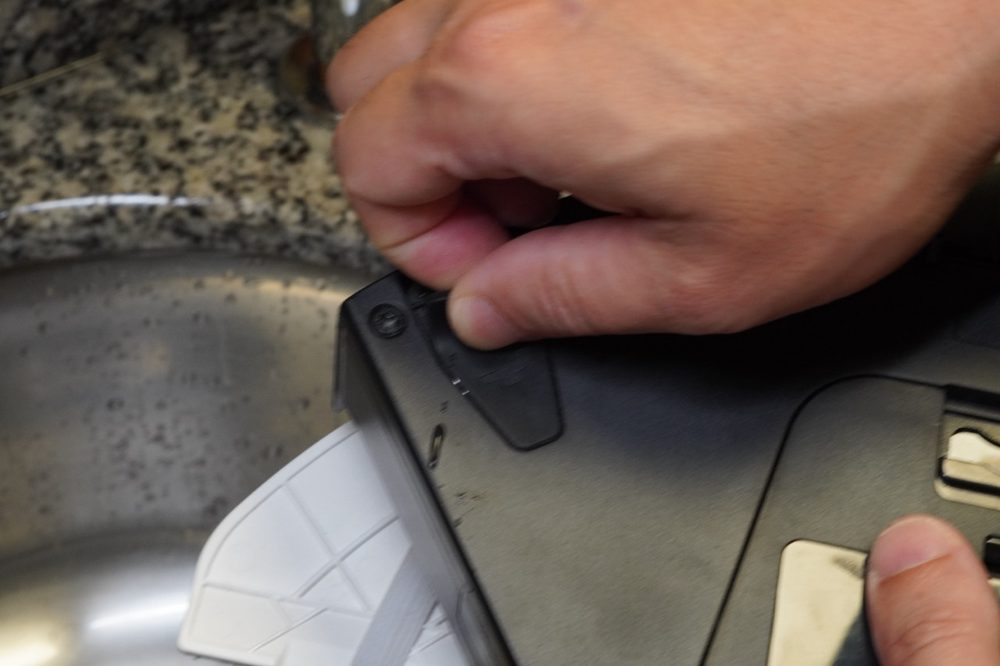
| Does not release water | Fill the 2-in-1 tank, check that the silicone lid is fully closed and that the water outlets are not obstructed. |
| Gets stuck during cleaning | Remove cords, rugs and obstacles. Thresholds over 2 cm may block the robot. |
| Robot slips or does not move well | Clean the main and front wheels and remove hair and debris. If a wheel is jammed, turn the gear in the opposite direction. |
| Mop pads leave marks or do not clean | Check that the pads are damp and correctly installed, and that the floor is a smooth sealed surface. See section 16. |
| Does not return to the dock | Check that the dock is powered, in its original position and with the required clearance around it. Clean the charging contacts. |
| Robot cannot find the dock | Clean the LiDAR sensor on top of the robot with a dry cotton swab and keep the area around the dock clear. |
| The map is incomplete or a new map appears | Confirm the dock has not been moved and the cleaning started from it. Open all doors, remove temporary obstacles and run a full cleaning with the battery charged. |
- The robot is charged and switched on.
- The dust compartment and the filter are clean.
- The 2.4GHz Wi-Fi network is stable.
- The water tank is filled.
- The mop pads are correctly installed.

velds.us · support@velds.us